Audit logs
Listing audit logs
You can list the audit logs of your account by clicking on the Access control menu item of the Astran AlwaysReady® portal. Then navigate to the Audit logs tab.
You can filter the audit logs by:
- Start and end date times (UTC)
- Identity
- Action
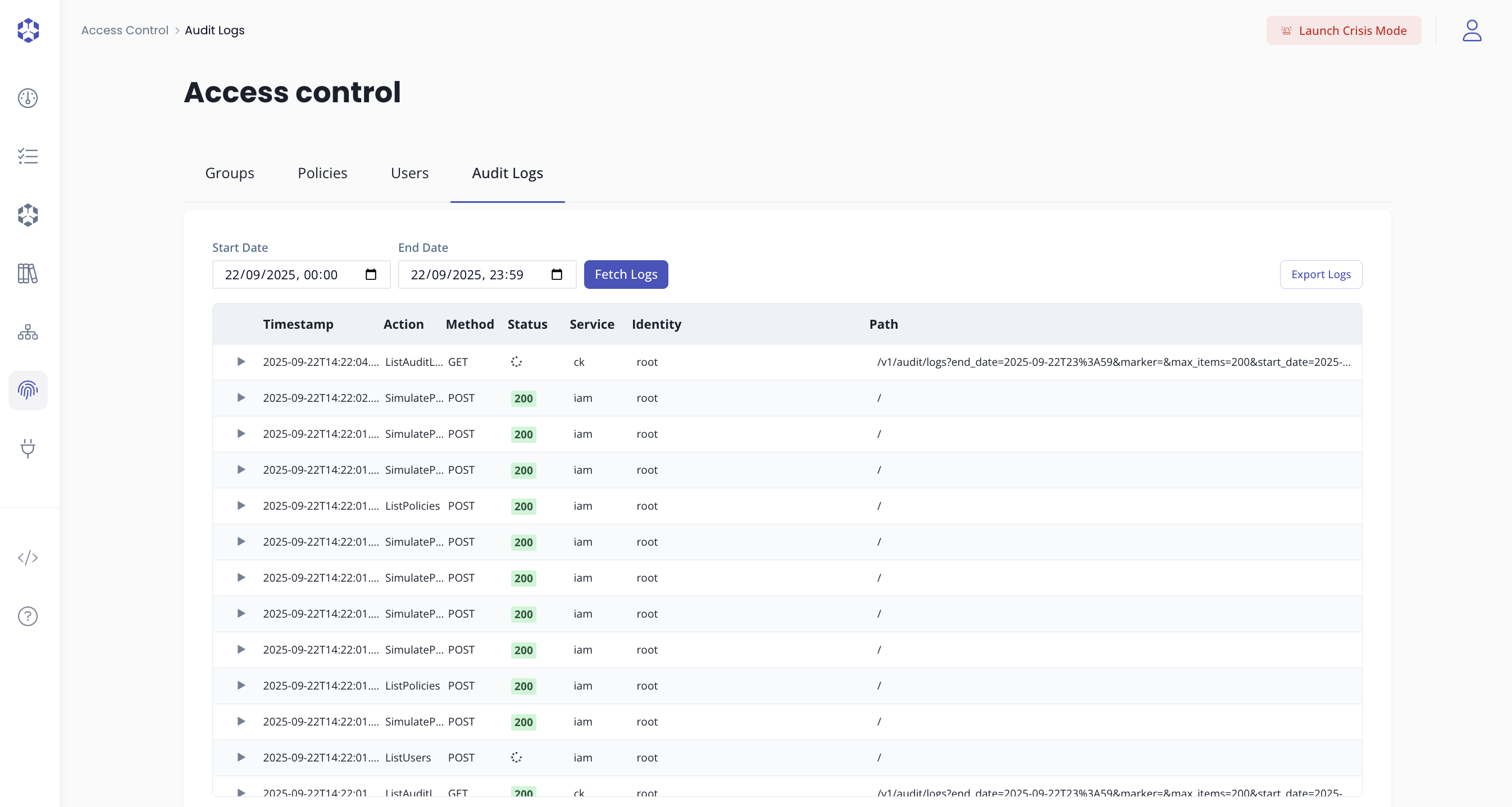
The Identity filter lets you focus on the actions performed by a specific user.
The Action filter lets you focus on one exact Action, for example ListUsers, ListAuditLogs, PutObject, or LoginWithWebIdentity.
Do not add a policy service prefix such as iam:, ck:, or s3: when filtering audit logs by action.
By expanding a log, you can see the details of the action that was performed.
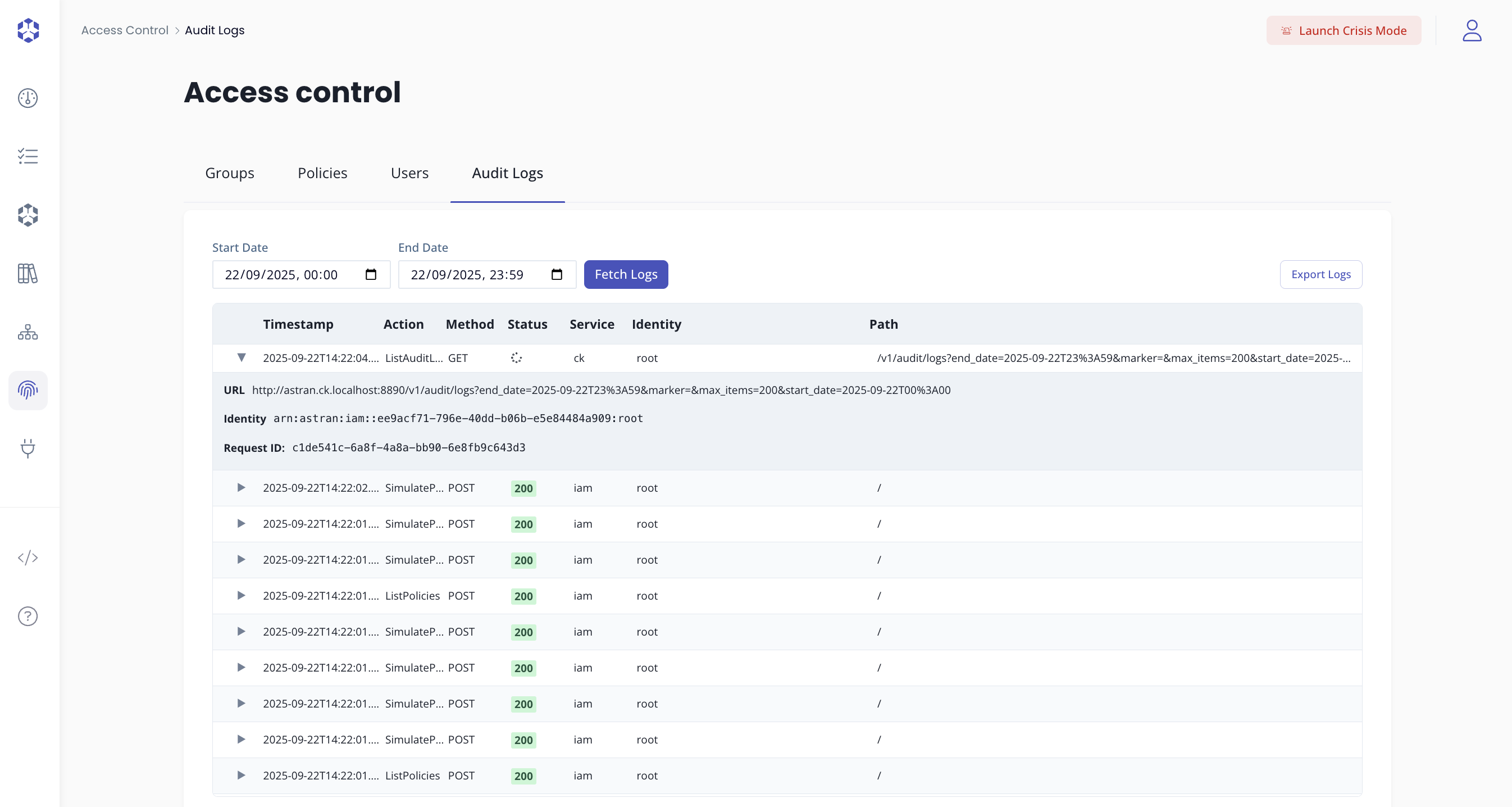
Note that the audit logs only contain the HTTP method calls and the associated paths, not the request body.
Exporting audit logs
You can export the audit logs to a CSV file by clicking on the Export logs button. The selected filters, including start date, end date, identity, and action, are applied to the exported logs.
Note that the logs are available for up to the last 365 days, which can be slightly less than 1 year.