Deleting with versioning
Before you start
This guide assumes that bucket and object versioning are enabled.
If you are not familiar with these concepts yet, you can read:
Important things to know about deletion in versioned buckets
When versioning is enabled, deleting an object does not remove it permanently.
Here are the two key rules to keep in mind:
Deleting an object is reversible
The object is hidden, but its previous versions are kept.Deleting a version or a folder is permanent
Once a version is deleted, it cannot be recovered. Deleting a folder removes permanently all objects and versions it contains.
Confirmation dialogs will always indicate when an action is permanent.
When versioning is suspended, the behavior changes. See the Cautions and limitations section for details.
Deleting an object in a versioned bucket
When you delete an object in a versioned bucket, the object disappears from the list, but it is not permanently removed.
Instead, it is marked as deleted and can still be recovered later.
Let’s take the sample-1.pdf file from the Objects versioning example and delete it.
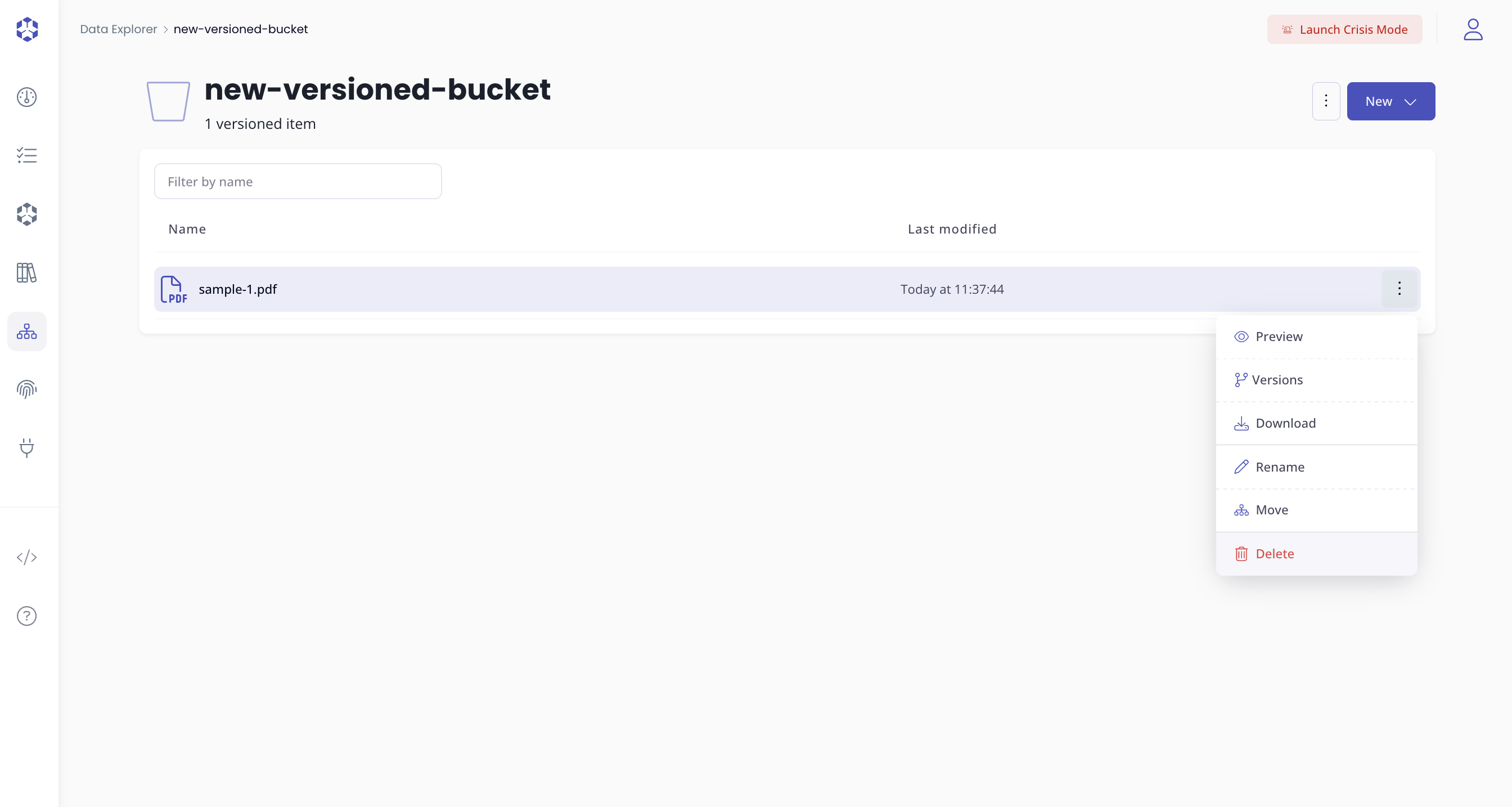
After confirming the deletion, the object is no longer visible in the bucket.
Showing deleted objects
Even though the object is hidden, it still exists.
To see deleted objects:
- Open the menu next to the bucket name.
- Enable Show deleted objects.
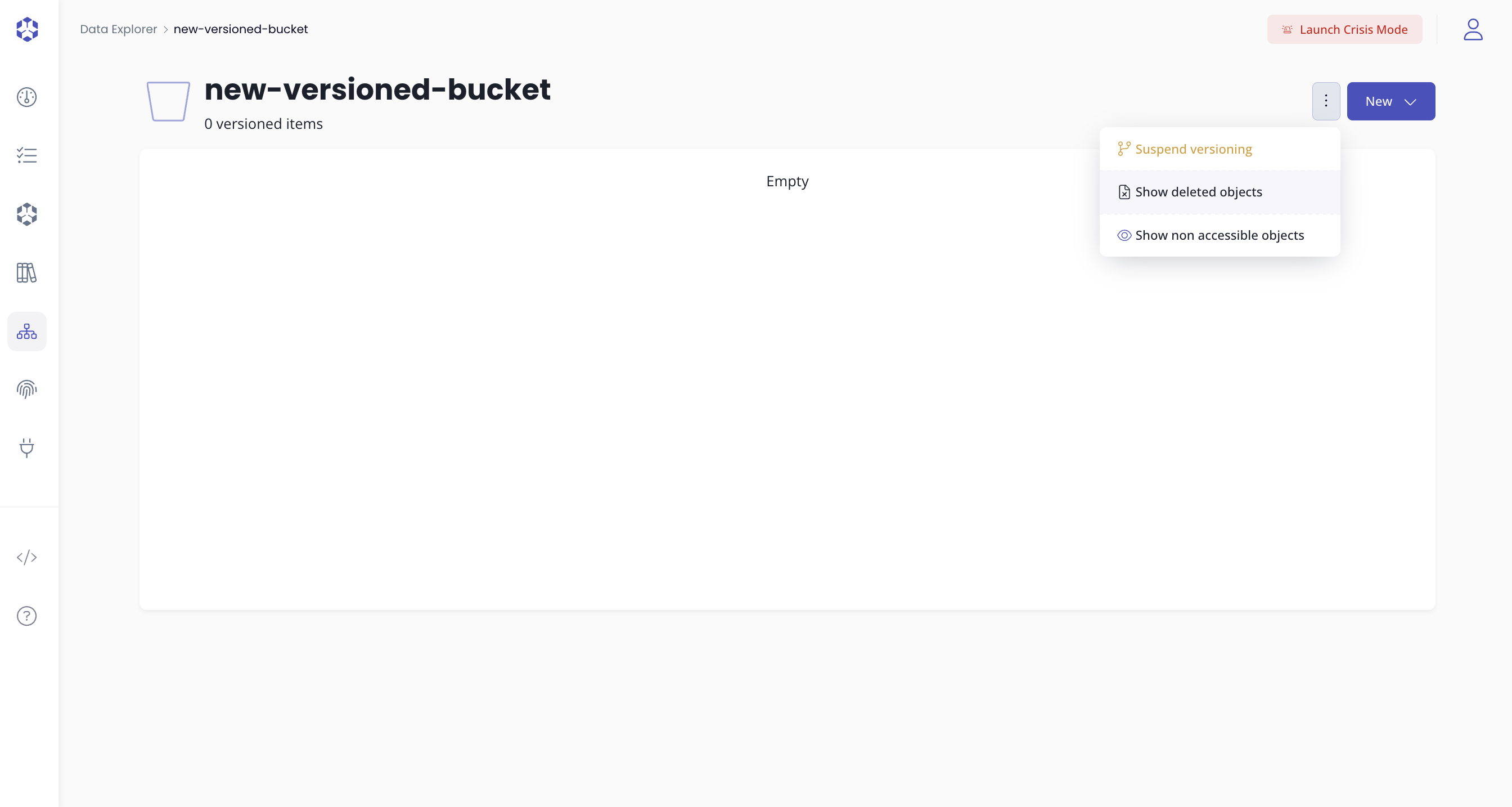
When this option is enabled:
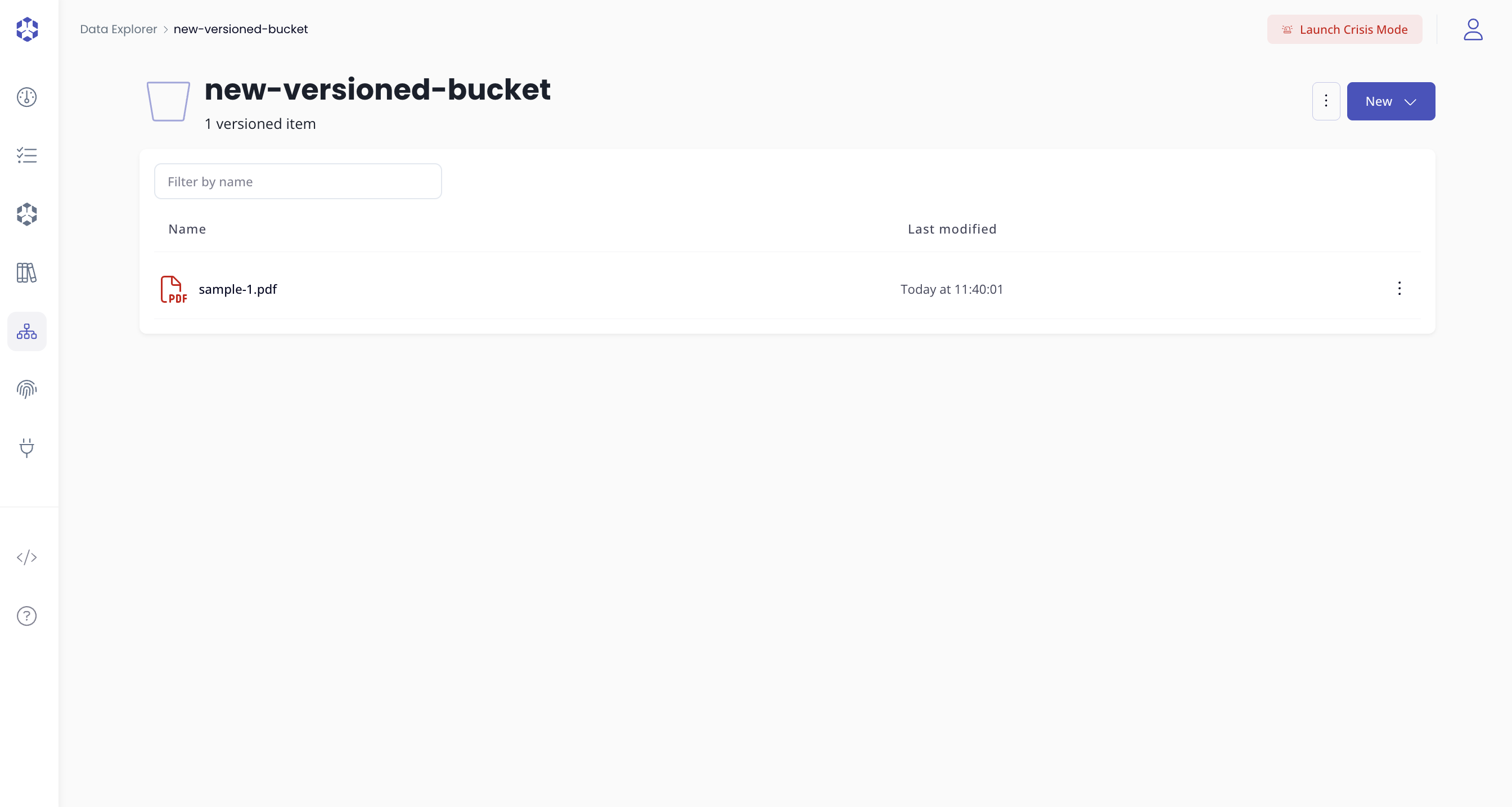
- Deleted objects appear in the list, displayed in red.
This preference is saved per bucket.
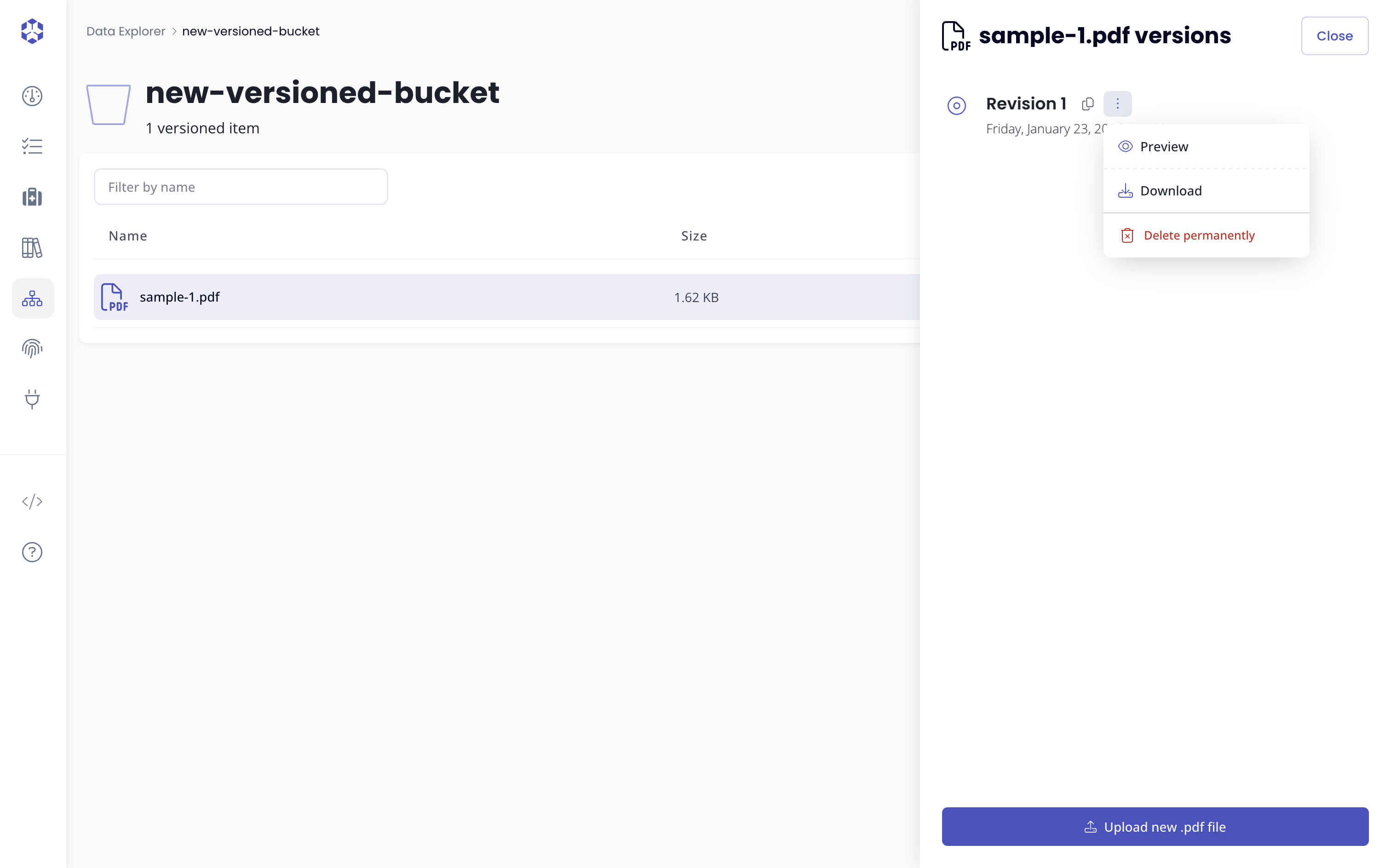
Deleting a specific version from the versions list is a permanent action.
Once deleted, that version cannot be recovered.
If you want to understand why, see the To go further: delete markers section.
Recovering a deleted object
There are multiple ways to recover a deleted object, depending on what you want to do.
Recovering using the Recover action
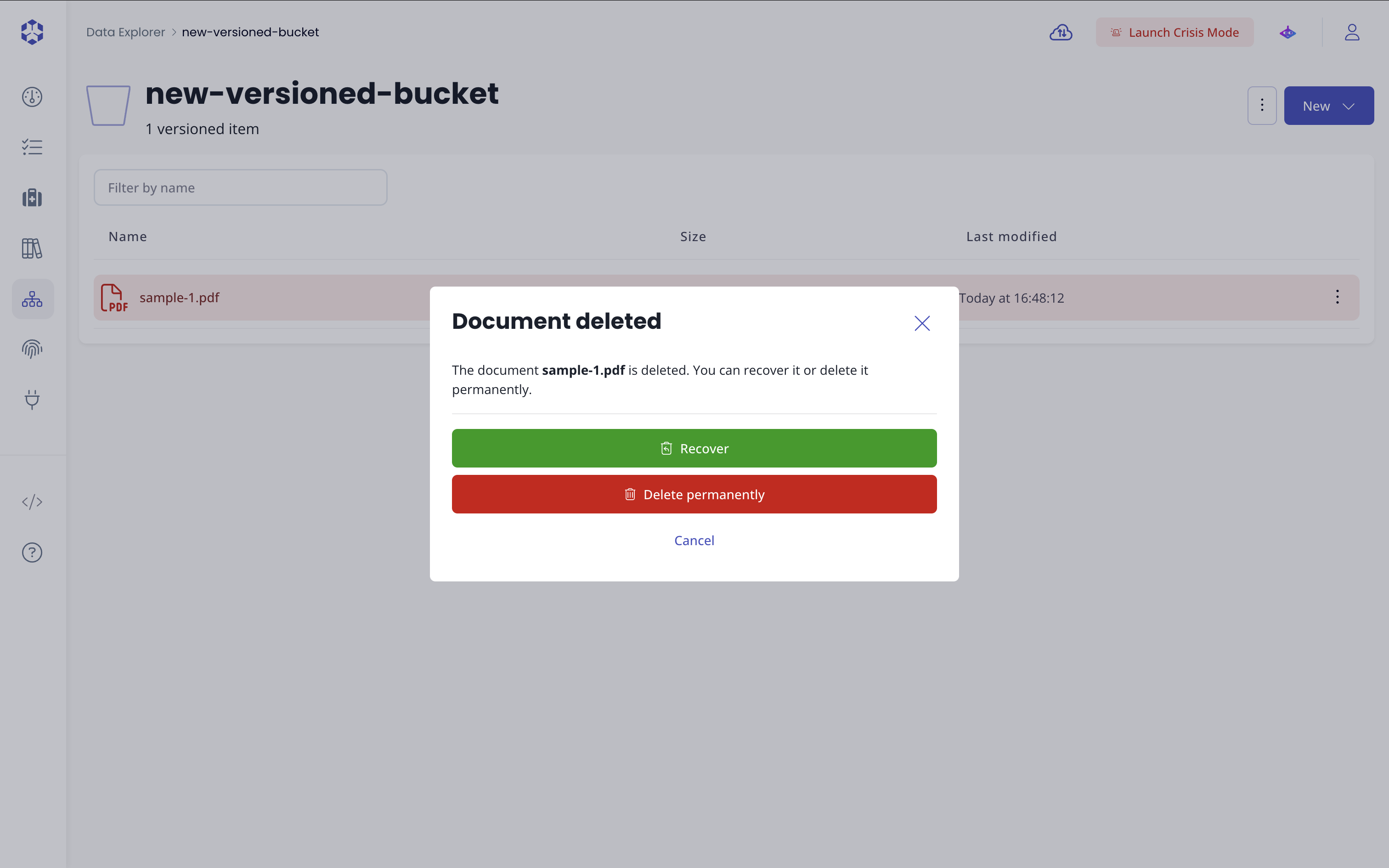
Click on the deleted object name.
A dialog appears indicating that the object is deleted.
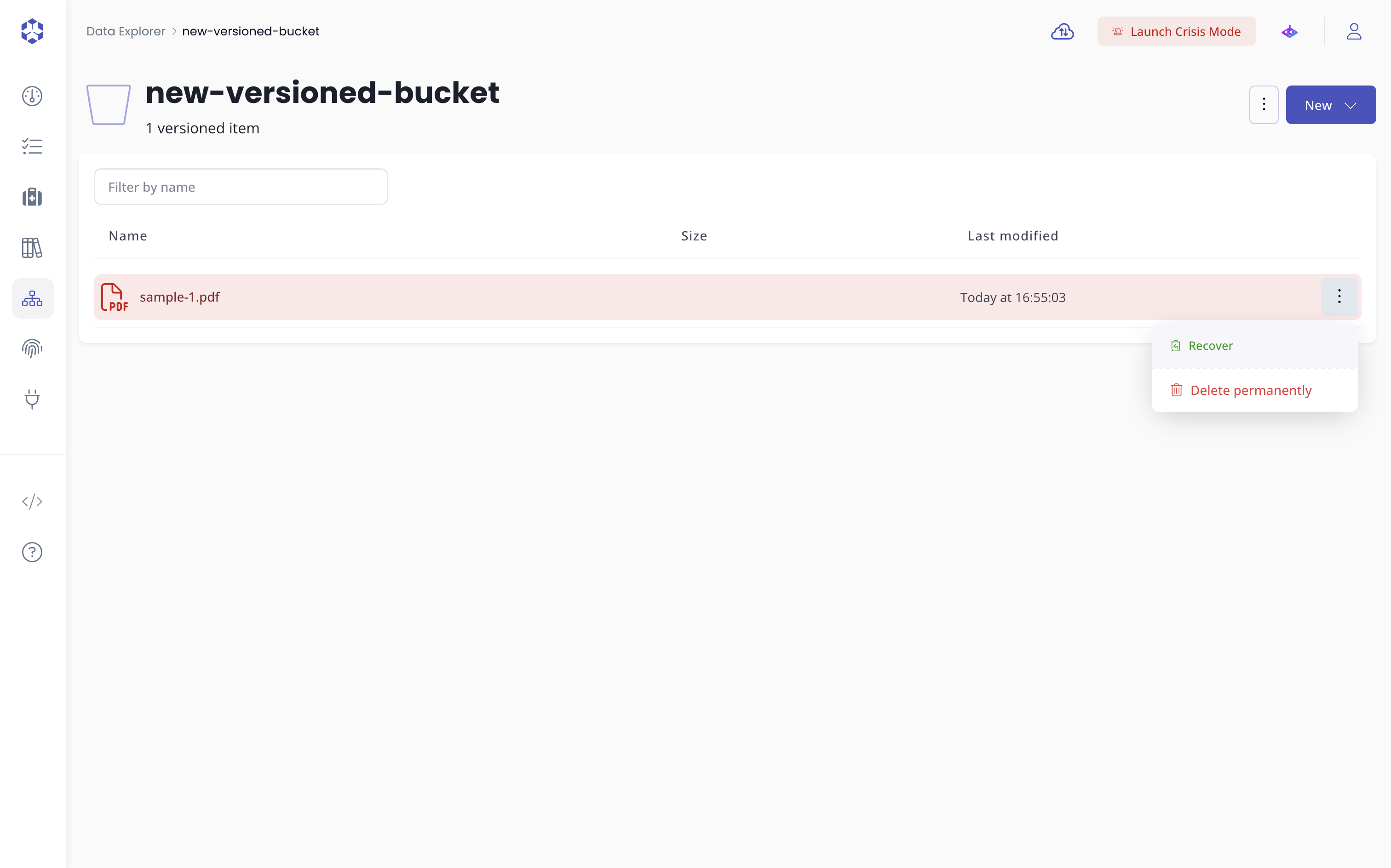
From there, click Recover to restore the object.
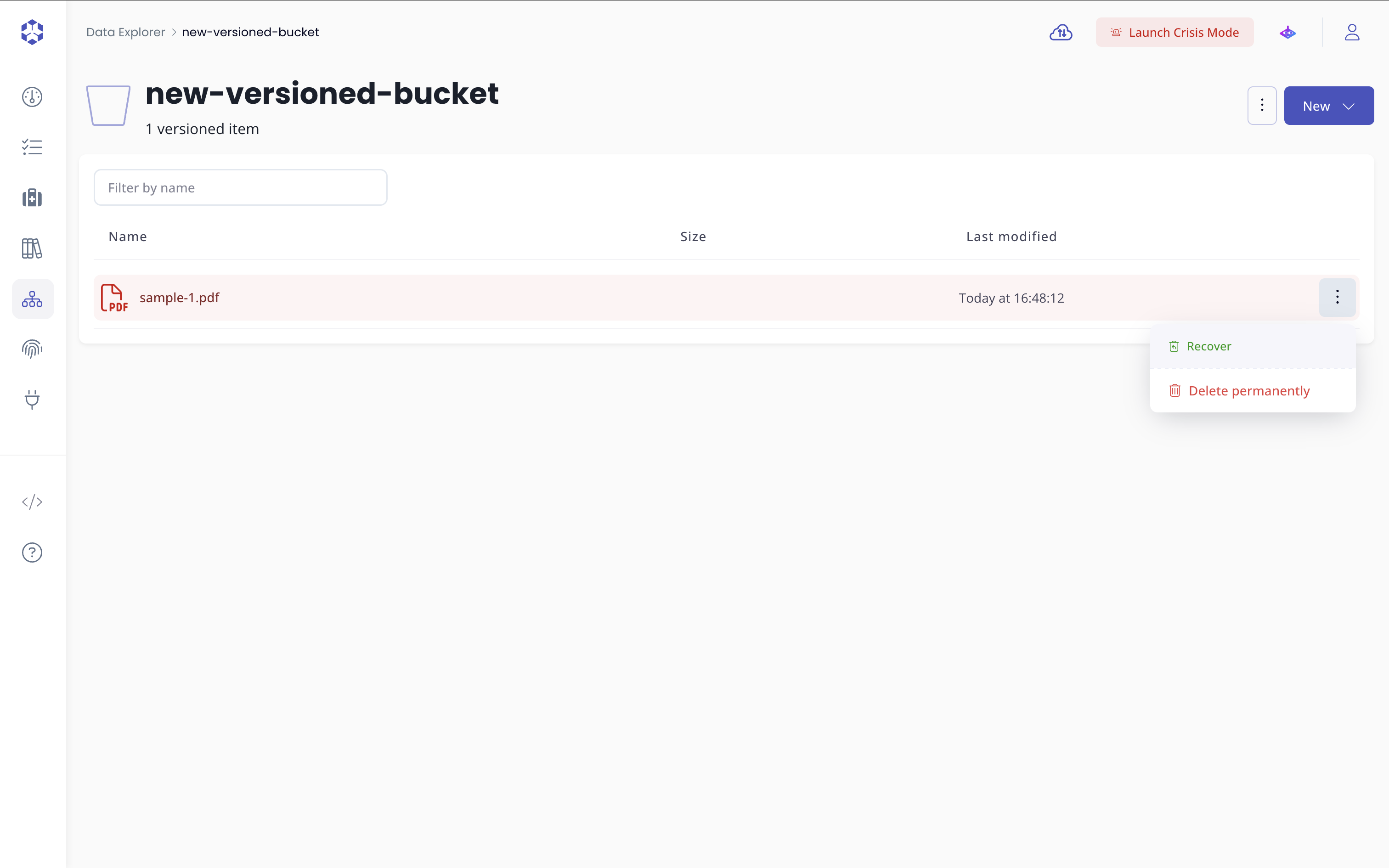
You can also recover the object from the actions menu by selecting Recover.
Recovering by uploading a new version
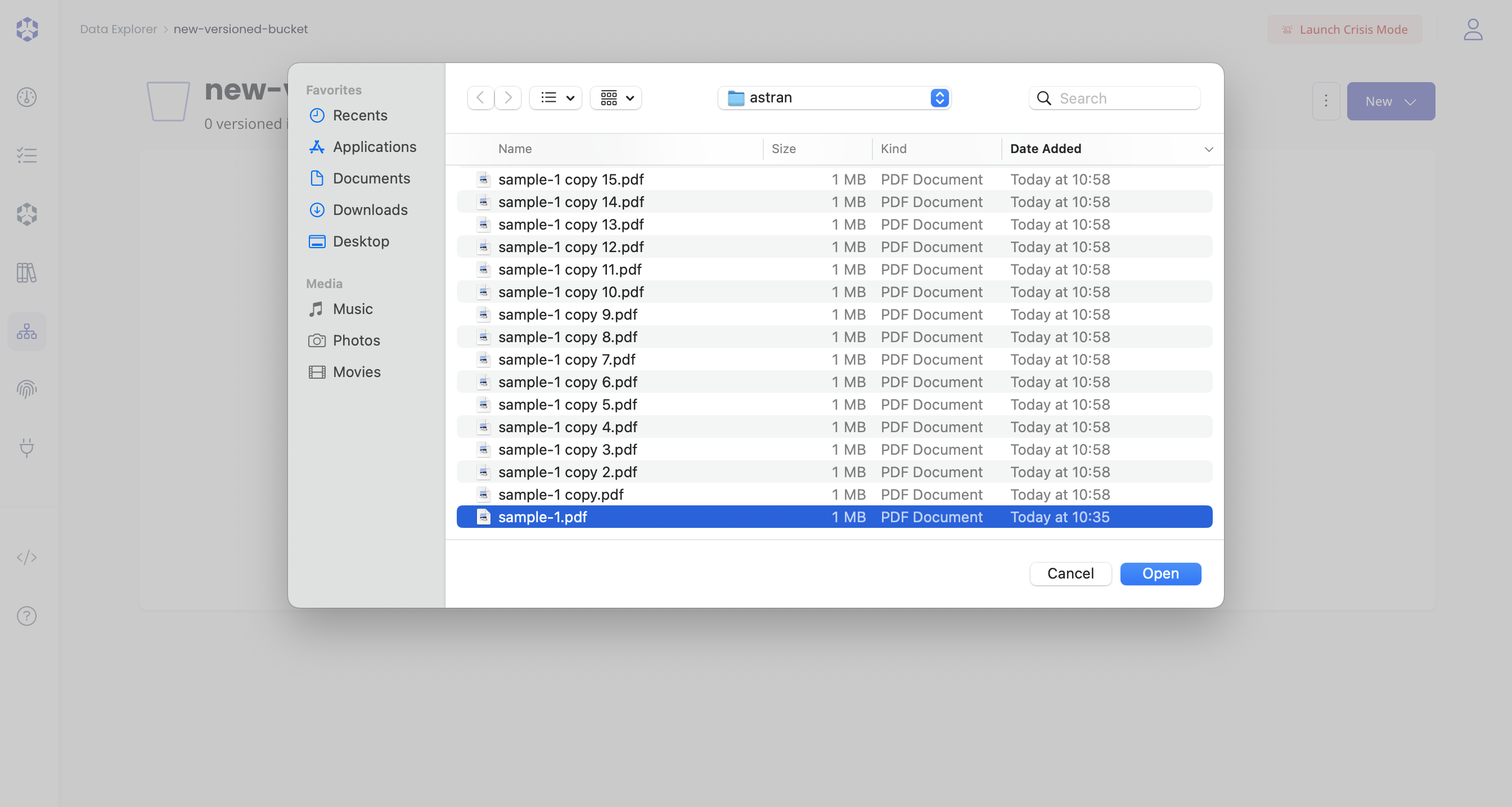
You can also recover a deleted object by uploading a new file with the same name.
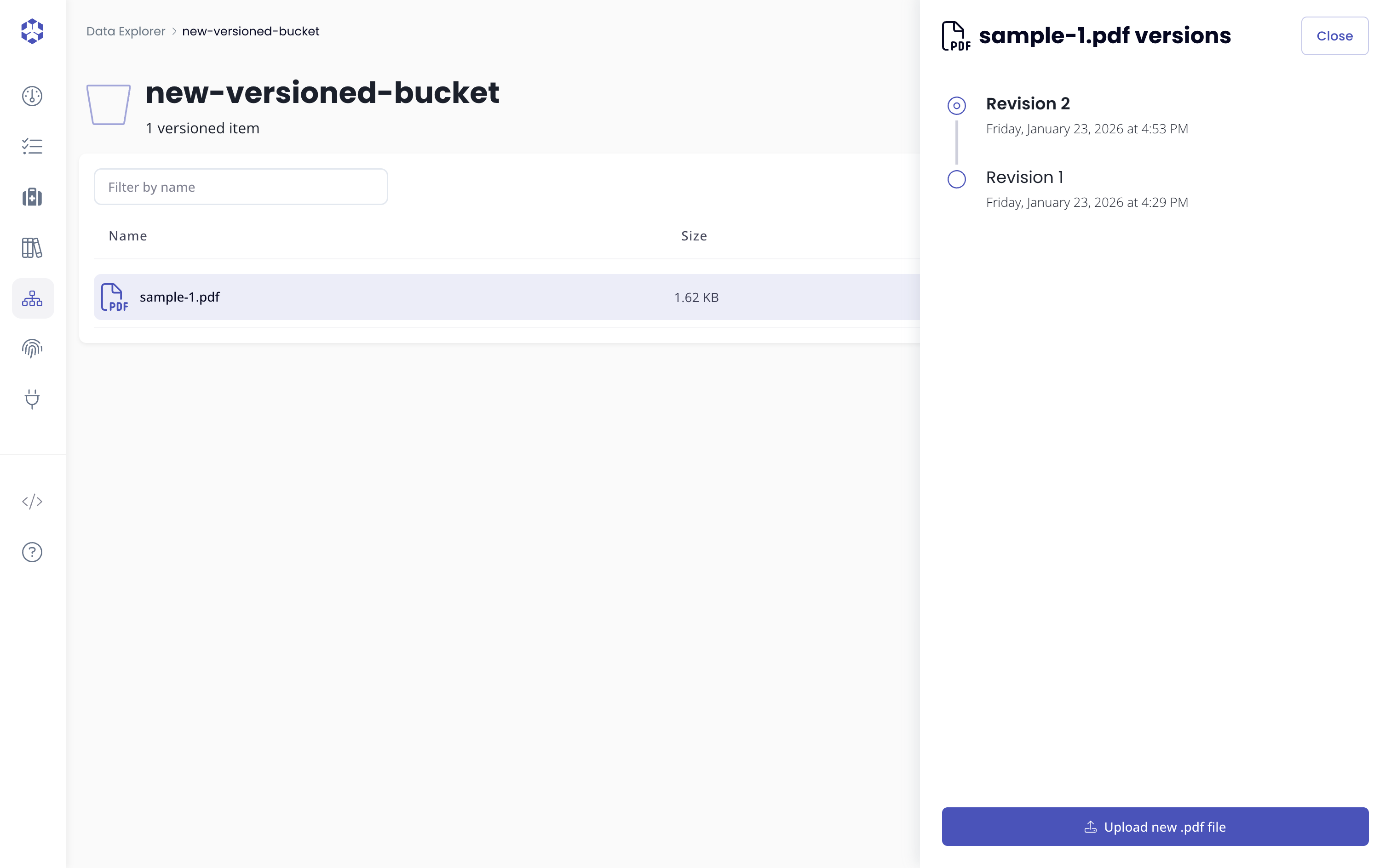
This works because deleting an object does not remove its previous versions.
Uploading a new file makes the object visible again and restores access to all existing versions.
- The newly uploaded file becomes the active version.
- Previous versions remain available.
Permanently deleting an object
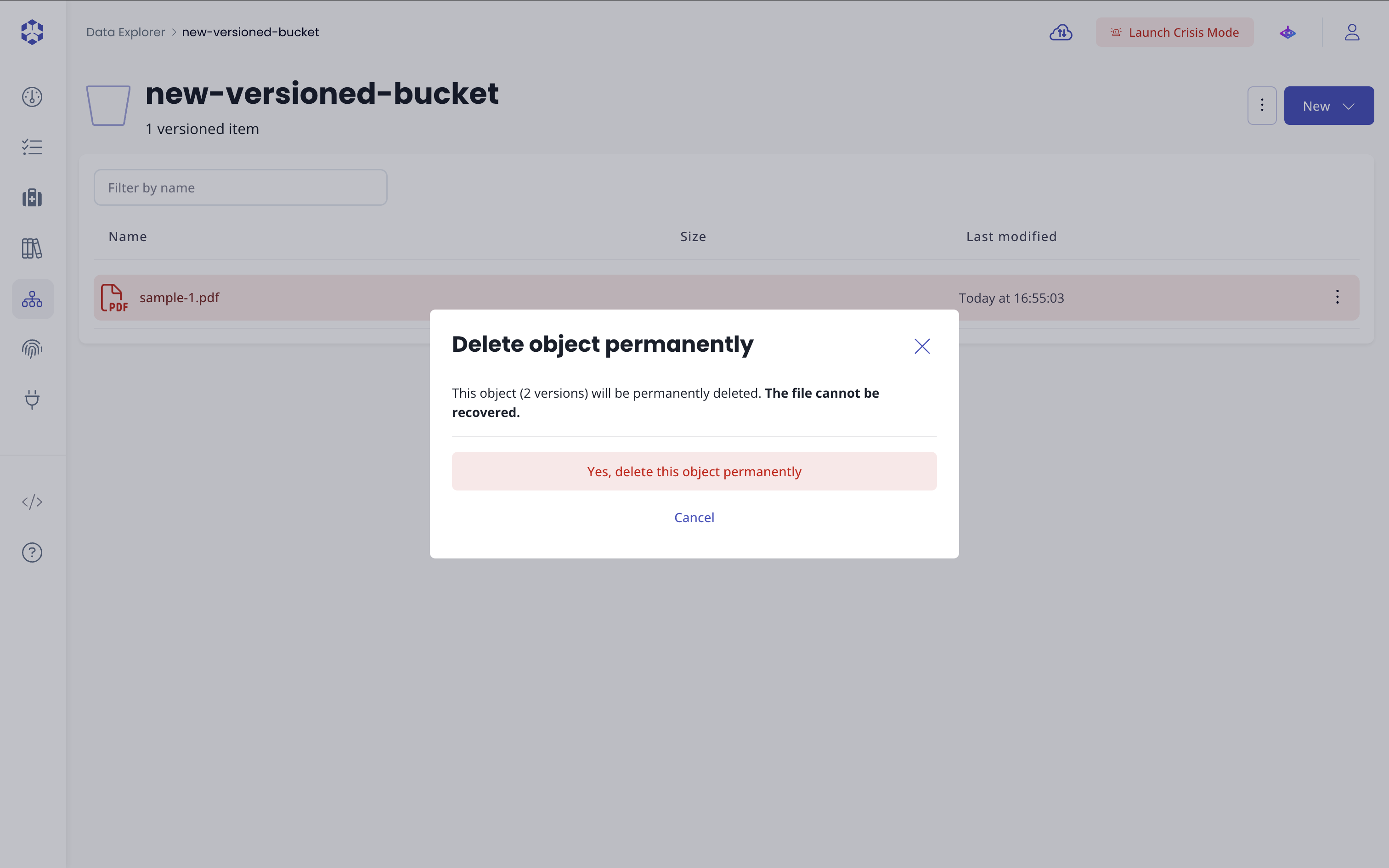
If you want to completely remove an object and all of its versions, use Delete permanently.
This action permanently deletes every version of the object and cannot be undone.
Before confirming, a dialog appears showing how many versions will be permanently deleted.
Cautions and limitations
Some deletion actions are always permanent.
- Deleting a folder permanently deletes the folder and all objects and versions it contains.
- Deleting a specific version from the versions list permanently removes that version.
- Versioning suspended: If an object is uploaded while versioning is suspended and then deleted, that uploaded version is permanently removed.
For more details on these cases, see the To go further: delete markers section.
To go further: delete markers
You usually don’t need to understand delete markers to use the interface, but they explain why some deletions can be recovered and others cannot.
A delete marker is a special internal version used by S3-compatible systems to mark an object as deleted without removing its previous versions.
When you delete an object in a versioned bucket:
- A delete marker becomes the active version.
- The object appears as deleted.
- Older versions are still stored.
This is what makes recovery possible.
Why deleting a version cannot be undone
Deleting an entire object adds a delete marker, which can later be removed or bypassed by uploading a new version.
Deleting a specific version, however, removes that version entirely from storage.
There is no delete marker involved, so the version cannot be recovered.
Why recovery is limited when versioning is suspended
When versioning is suspended:
- Uploaded objects do not get a unique version ID.
- Each upload overwrites the previous one.
Deleting such an object replaces it with a delete marker, also without a version ID.
As a result, the uploaded version is permanently lost.
Only versions created before versioning was suspended can be recovered.
For more details, see the official S3 Delete Markers documentation.