Migration guide
v1 to v2
This applies only to kits created before December 11th, 2025
Automated migration
If you are using basic features, the migration should be smooth and automated.
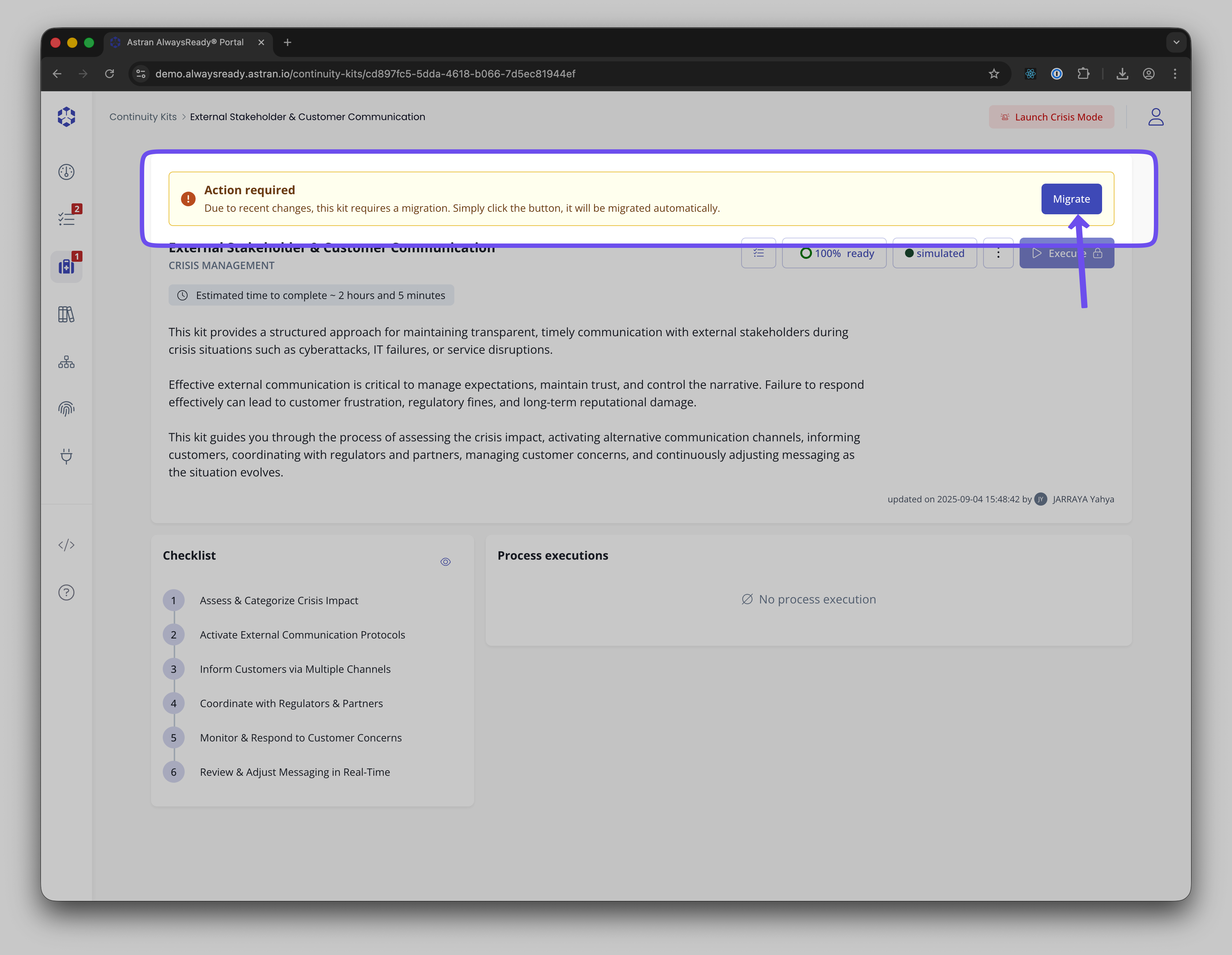
In order to so so, when opening the kit, click on Migrate
What will change
- File references
To reference files, the syntax /data/file.ext is replaced by @file:"data/file.ext" All previous references of files are replaced automatically at save time
- Reference to @value only support labels as references
@value:"{name}" was previously supported where 'name' was the technical name of a field. We now only support @value:"{label}" ; the name attribute has disappeared. The migration from the former version to the new is automated.
- Go to step
If you had a "Go to" step, it has been replaced, using @step:"{number of the step}" in the description of the associated field. Going to a step no longer validates the steps in between. In order have a similar behaviour, we recommend to set the intermediate steps as skippable.
- Fields name must be unique in the kit
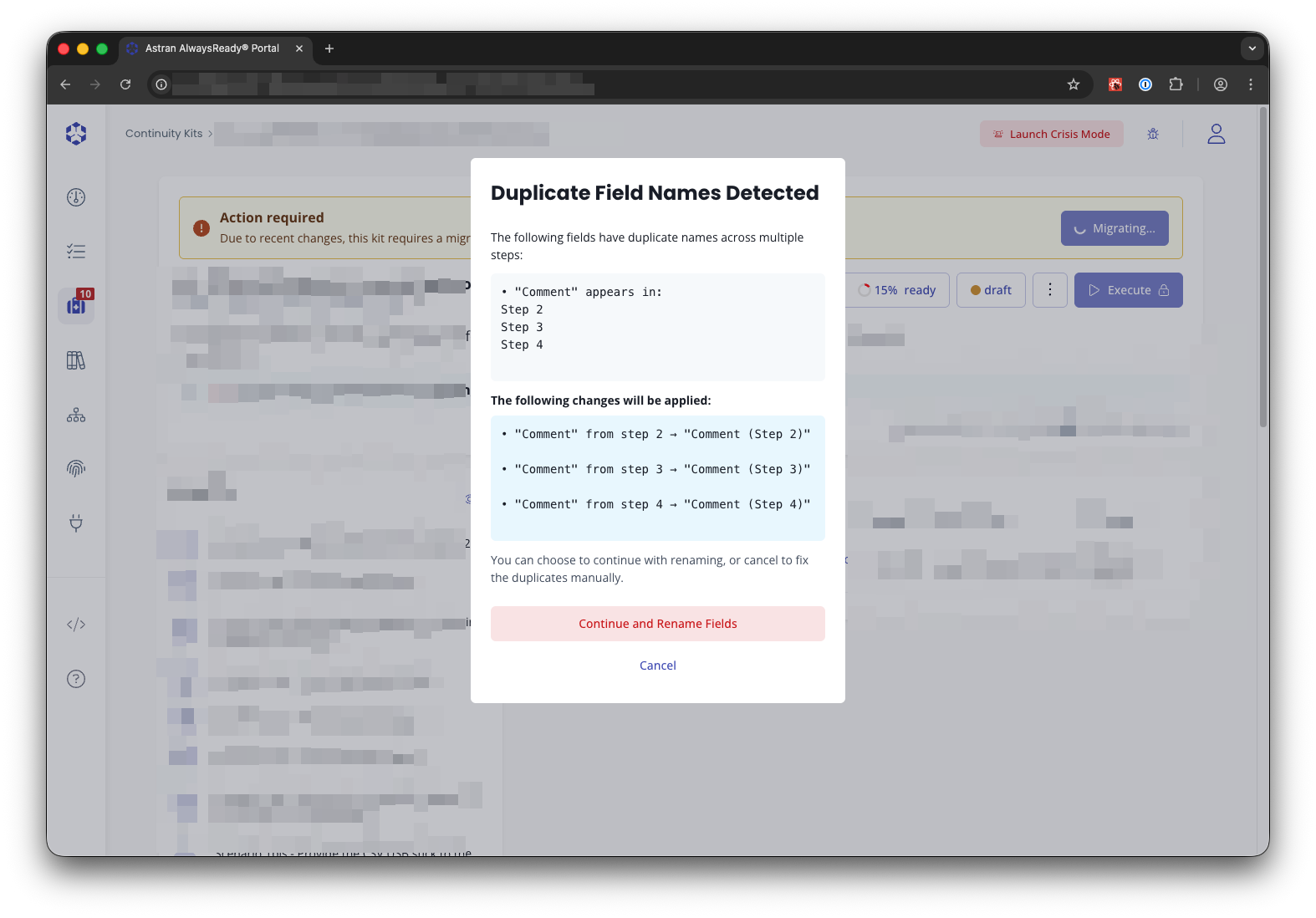
Since you can reference a value with @value:"label of the field", labels of the fields must be unique across the kit. This will be enforced at save time and migration time, the list of changes will be shown. Beware that if you were referencing a field with @value which had multiple occurrences of the same name, you'll have to update manually these references.
Legacy features
- Link to a folder and to a file/folder in another bucket
Links to folders will no longer work due to the permissions system put in place that gives access to files only through the role-base system at step level. The links will not be deleted but will be inoperent.
Troubleshooting
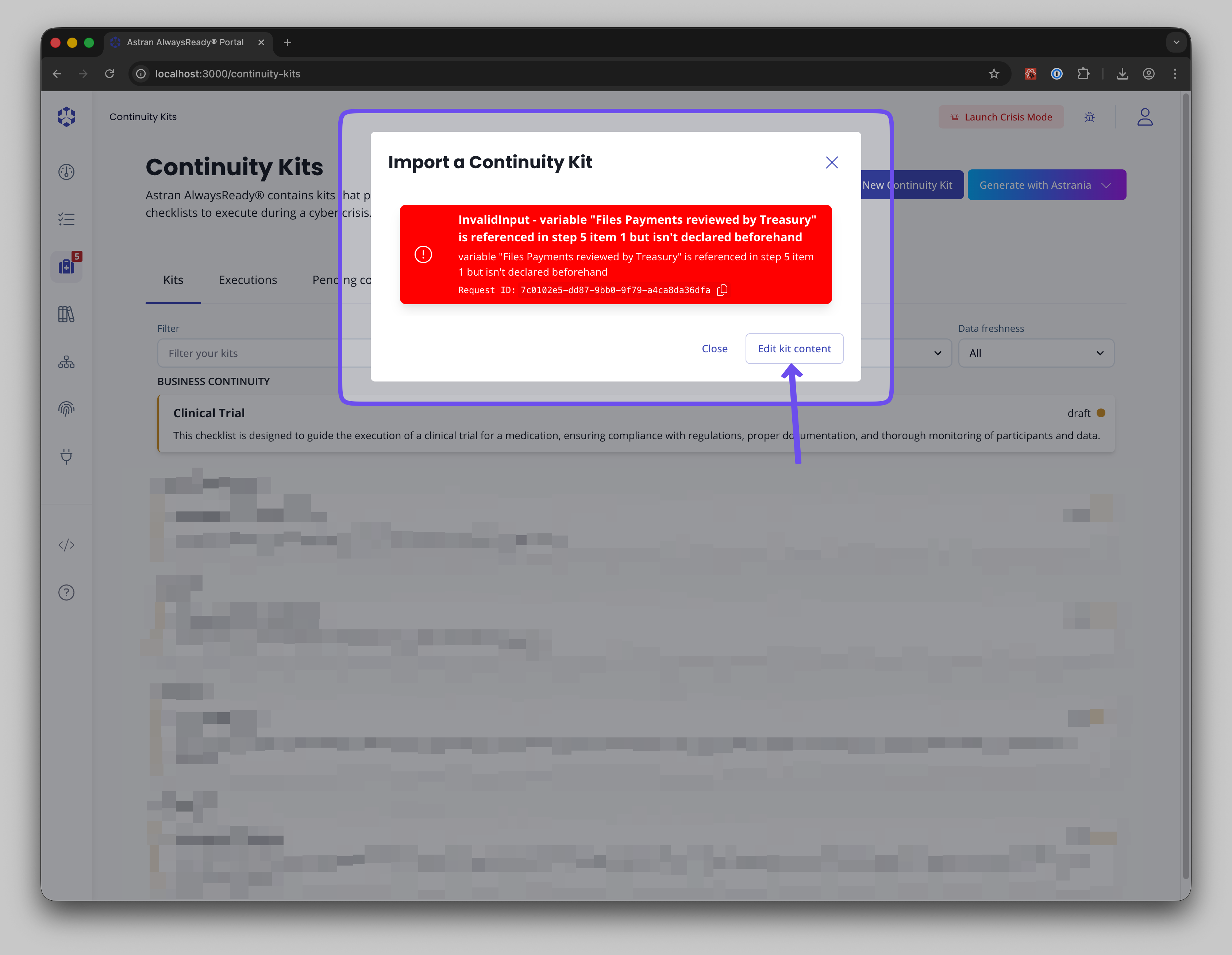
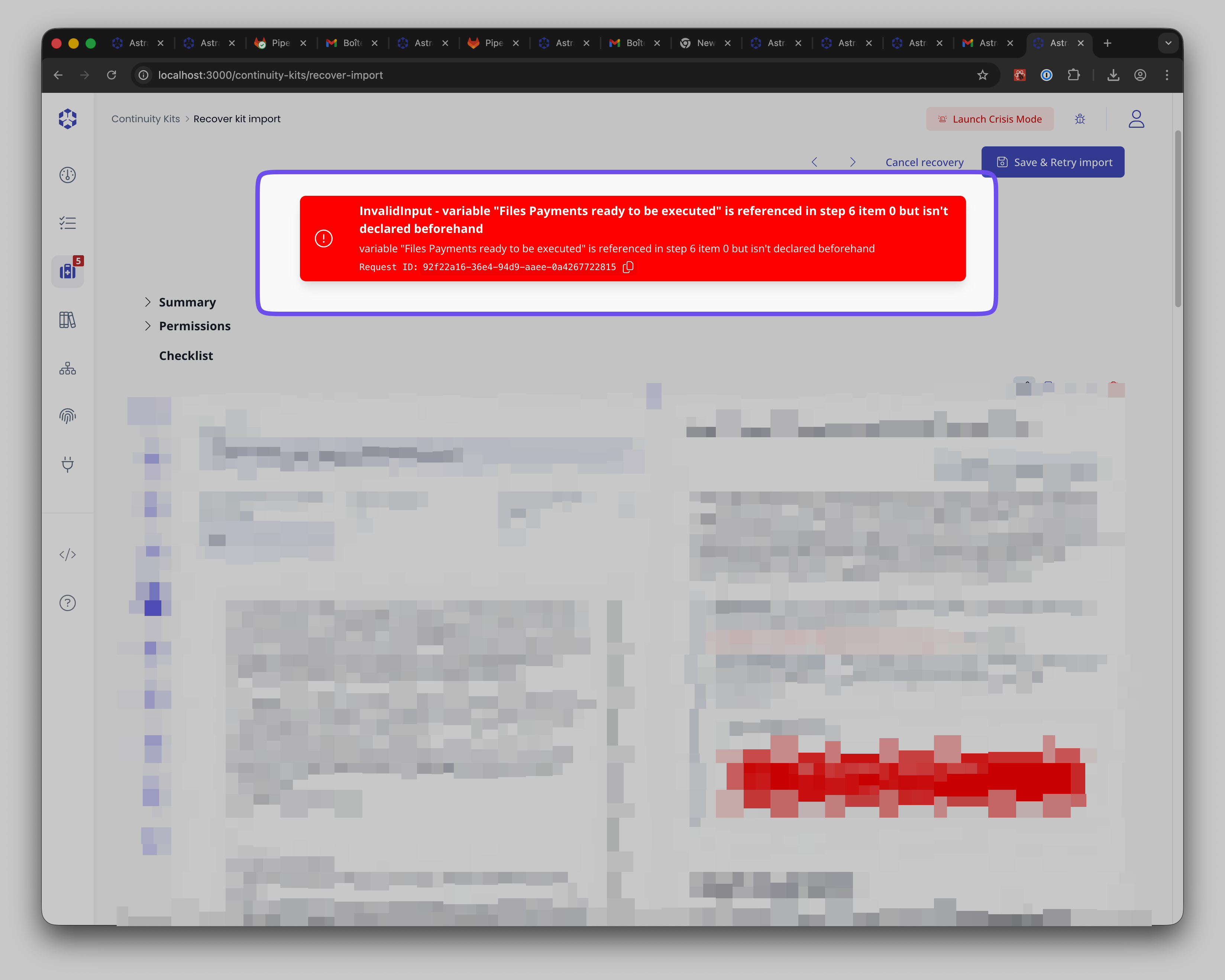
In case of error during the migration, you'll see the following
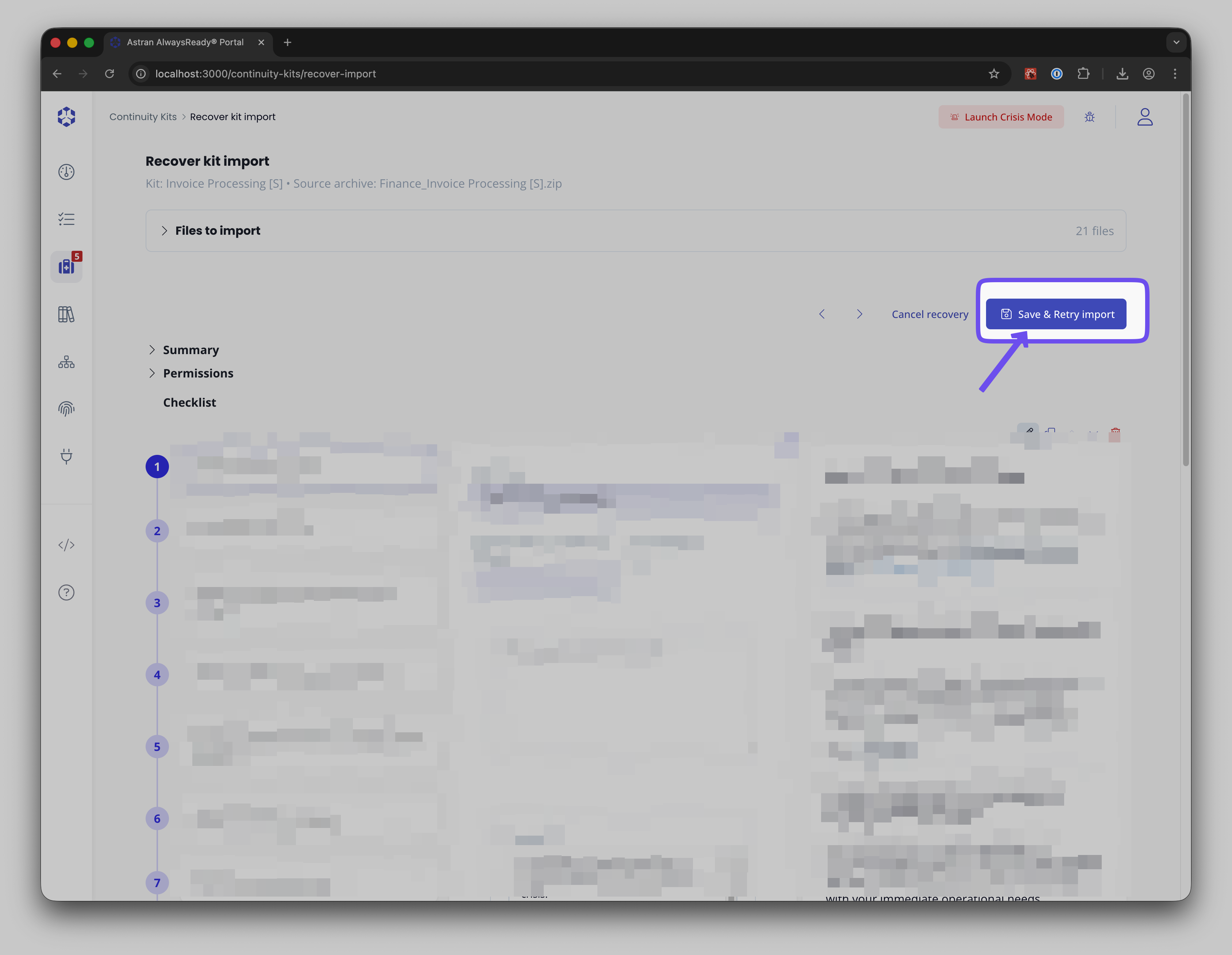
You'll then be able to modify the kit before saving it after solving the raised issues:
Common errors
- References to undeclared or forward-declared variables
We no longer support referencing a value that has not yet been defined. This would lead to errors. Beware that the error returned is technical, the step number that would be returned is 0-indexed (meaning that if the error states 'step 6' it's, on the screen, the step 7).
- For other issues, please contact our support team (support@astran.ai) and we'll happily assist you