On going executions
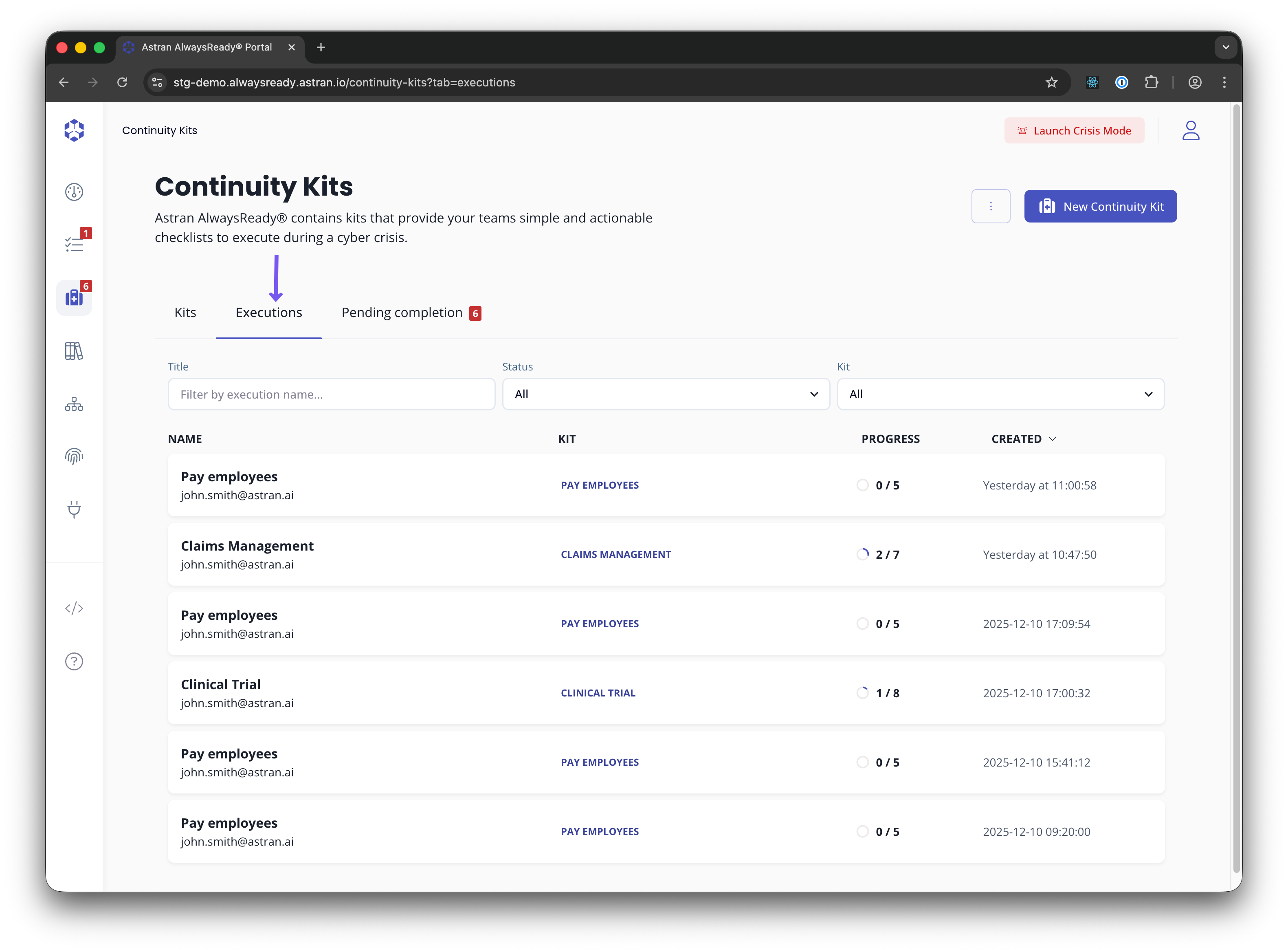
Viewing all on-going executions
From the list of kits you can view all the on-going executions, clicking on the 'Executions' tab.
This requires your user to have the permission ck:ListExecutedProcesses
Updating an execution status
An executed process status can be updated through the Continuity Kits API.
This operation requires the caller to have ck:UpdateExecutedProcess on the executed process ARN. For non-root users, the caller must also be a Manager on the executed process. The ck:Roles condition key is available for this action.
The protected route is:
PUT /v1/executed/process?executedProcessArn=<executed-process-arn>
The request body must contain the target status in data.status. data.message is optional and is stored in the manual status-change log.
{
  "data": {
    "status": "COMPLETED",
    "message": "Execution completed after manual review"
  }
}
Supported statuses are IN PROGRESS, COMPLETED, CANCELLED, ARCHIVED, and FAILED. Manual updates only support these transitions:
| Current status | Allowed target statuses |
|---|---|
IN PROGRESS | COMPLETED, CANCELLED, ARCHIVED |
COMPLETED | IN PROGRESS, ARCHIVED |
CANCELLED | IN PROGRESS, ARCHIVED |
ARCHIVED | IN PROGRESS |
FAILED | CANCELLED, ARCHIVED |
Changing an executed process status appends a manual_status_change log entry and returns the updated executed process. It does not update the statuses of the checklist steps contained in that executed process.
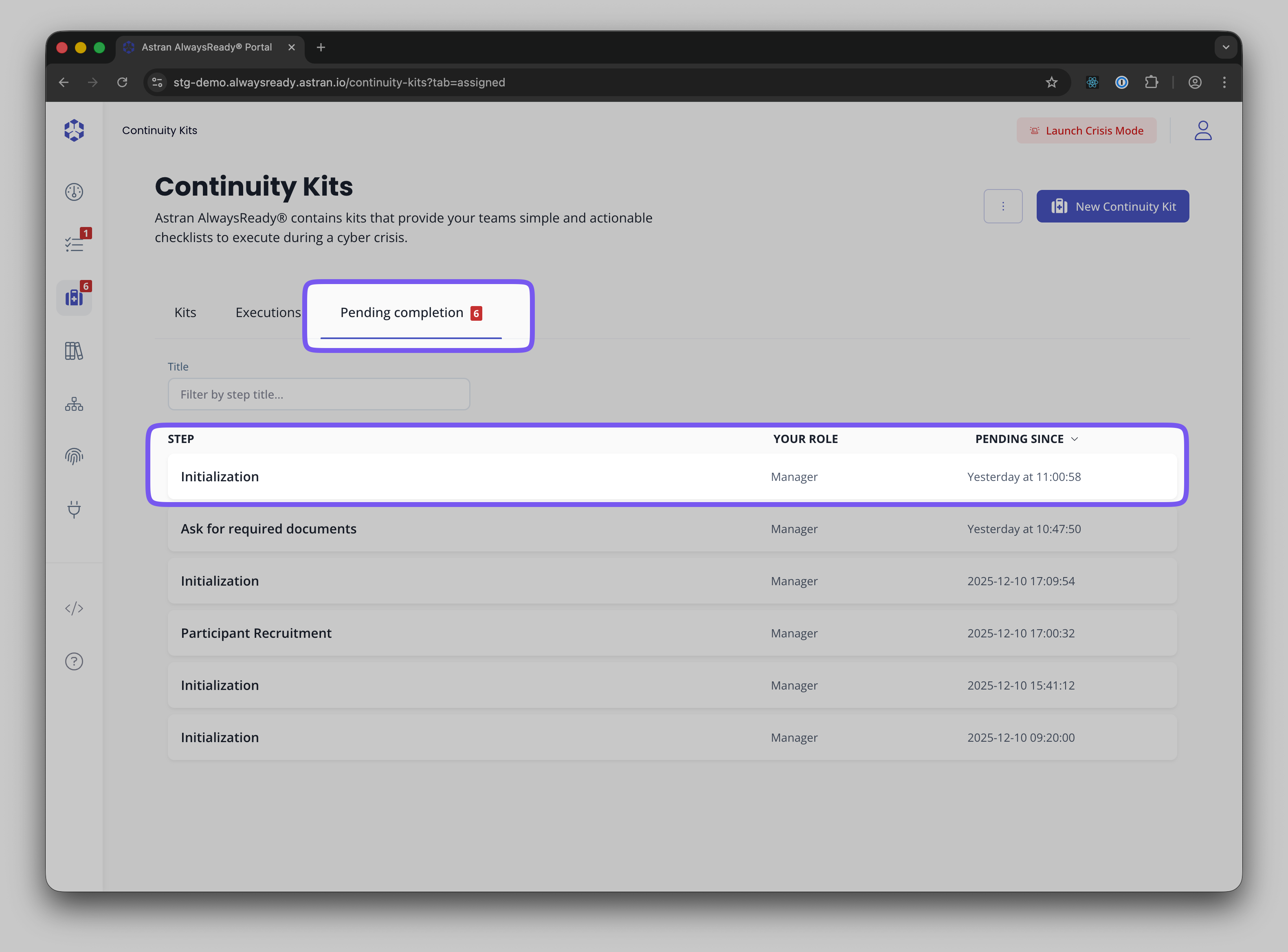
Steps pending completion
From the list of kits you can view all the steps that are pending completion in which you are designated as a Manager or Contributor, either directly or through a group. This list is always accessible and does not require any permission.
All step which are 'Ready' for execution, 'In progress' or 'Failed' will appear in this view.