Automations
Data transformations
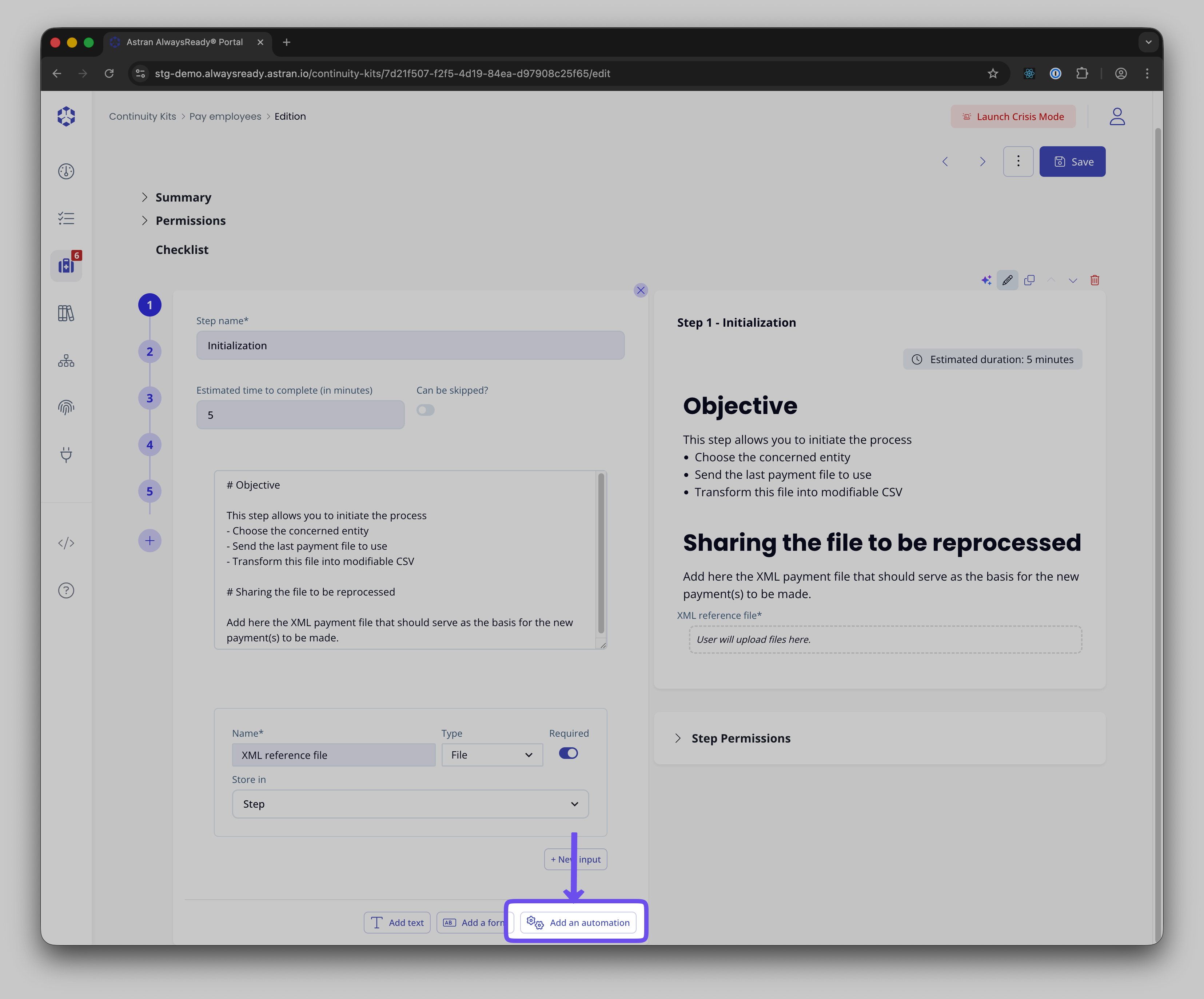
Astran allows you to define Data Transformations within a step.
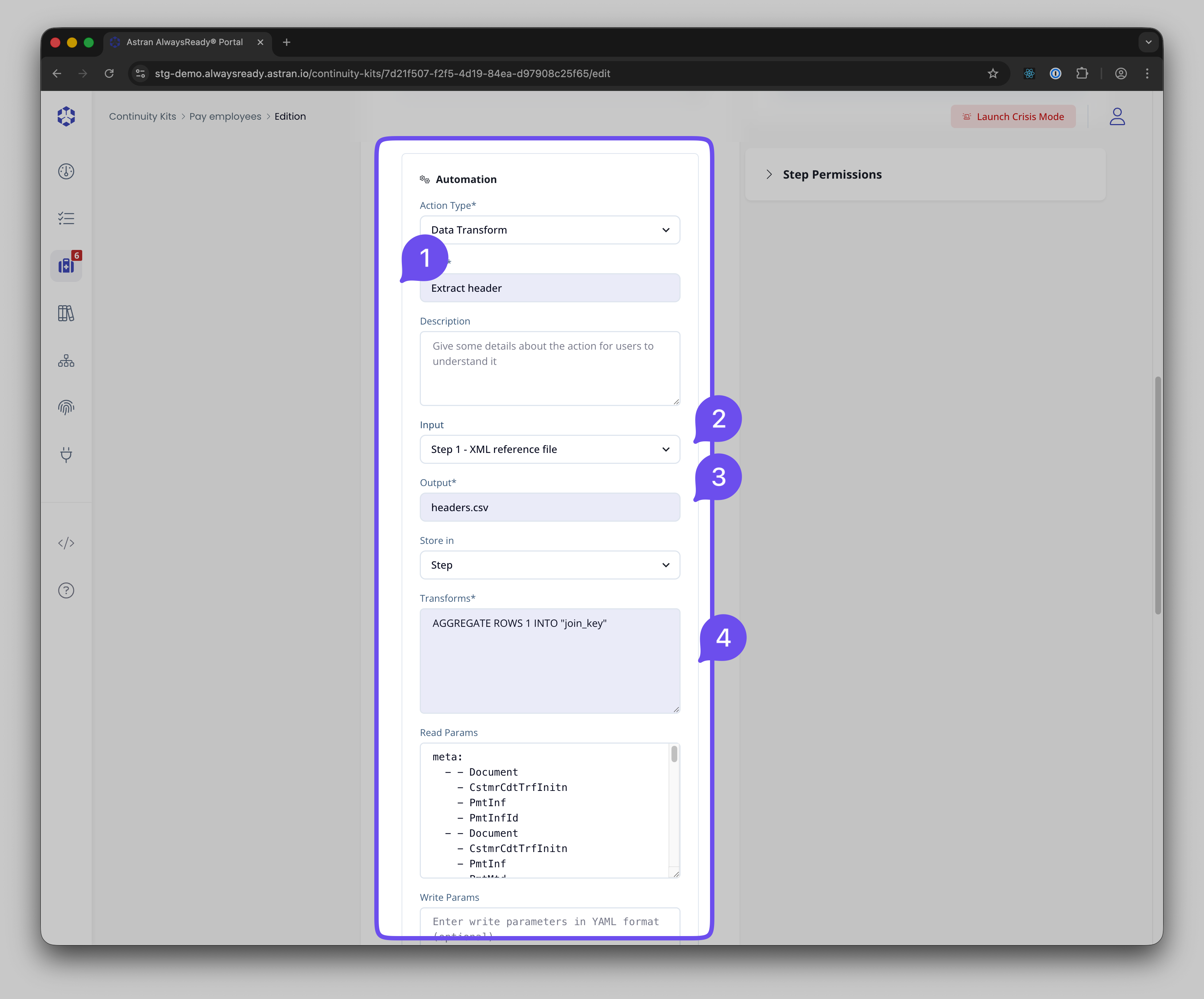
1 - Give a name to your transformation This name will be available in the next step through the "@value" reference, in case you need to reference the output of the transformation.
2 - Select you input. It can either be a file input from a previous step or the current step - or a manual input. When it's a manual input, for example, a file from the kit's bucket, you need to enter the path to the file and end it with '?ckstorage=kit'
3 - Enter the output name of your file. Select if it needs to be stored in the step itself at execution time or in your kit's bucket
4 - Enter the Transformations using the Astran DSL
Advanced use cases
The data transformation allows you to pass variables or files in the transformation DSL. You can reference a value from the current or previous step of your process by using @value:"Label of the value" Be aware that modifying the label name of the input referenced will require you to manually change it in the transformations instructions too.
For instance you could do:
JOIN LEFT '@value:"SAP Table"'ON current."Vendor ID" = other."SUPPLIER" AND current."Company Code (SAP)" = other."COMPANY_CODE" AND current."ORIGIN SYSTEM" = other."ORIGIN_SYSTEM"
where SAP Table is a file input from a previous step.
Also, you can directly reference a file from your bucket in the transformation.
This can be done using the following syntax:
JOIN LEFT '@value:"SAP.csv?ckstorage=kit"'ON current."Vendor ID" = other."SUPPLIER" AND current."Company Code (SAP)" = other."COMPANY_CODE" AND current."ORIGIN SYSTEM" = other."ORIGIN_SYSTEM"
in case you file SAP.csv is at the root of the kit's bucket.