Listing executions
- Viewing all executions across processes requires
ck:ListExecutedProcesses. Without it, a 403 Forbidden page is shown. - Viewing executions for a specific process requires
ck:ListKitsExecutedProcesseson that process ARN. Without it, the execution list for that process is empty. - Changing an execution status requires
ck:UpdateExecutedProcesson the execution ARN. You must also be a Manager on the execution. Without these, the status update action is shown as Forbidden.
Viewing all executions
Access the executions list from the left menu by clicking Processes, then selecting the Executions tab.
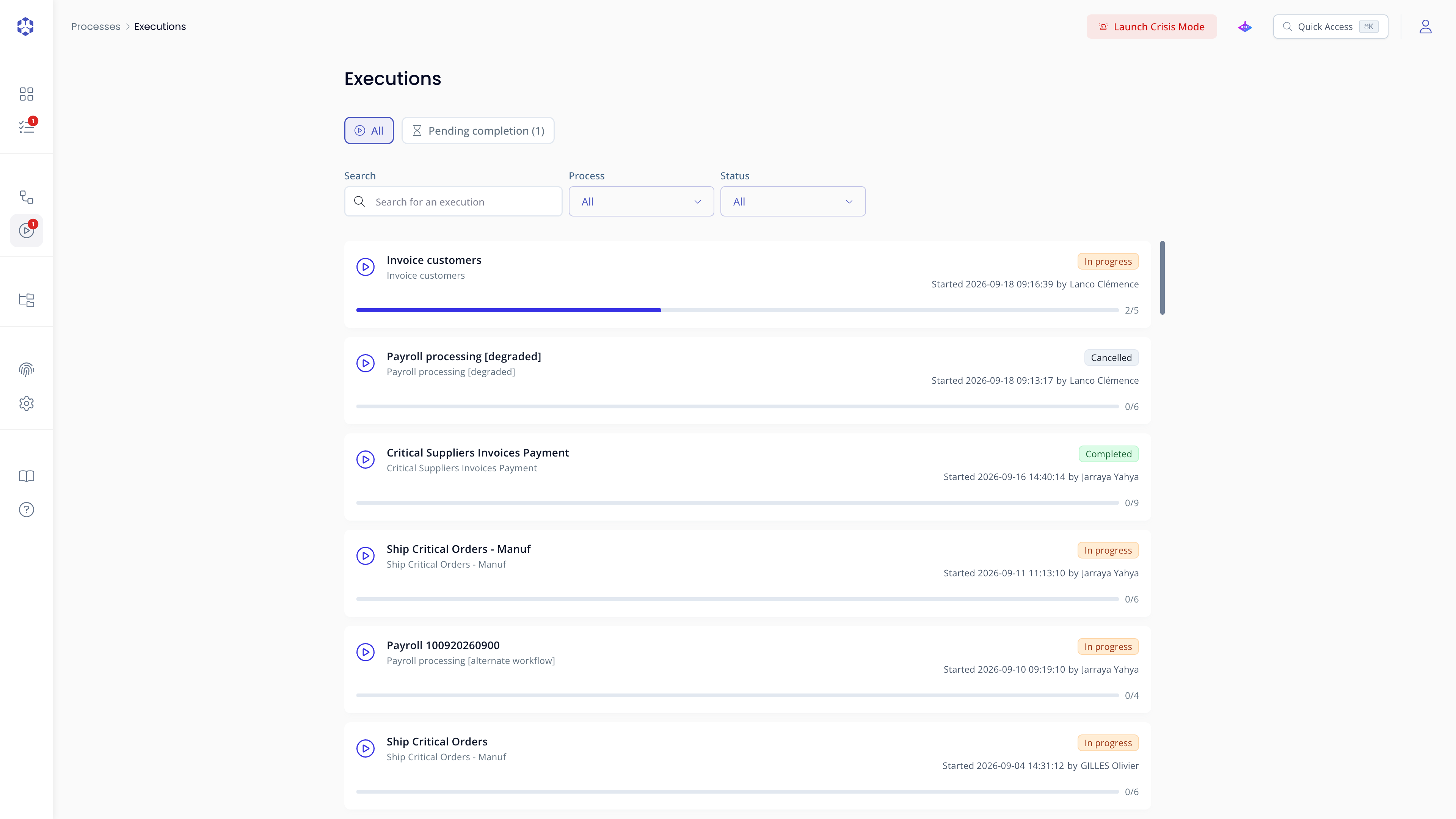 Executions list, one card per execution.
If no process has been executed yet, the list shows "No process execution" instead:
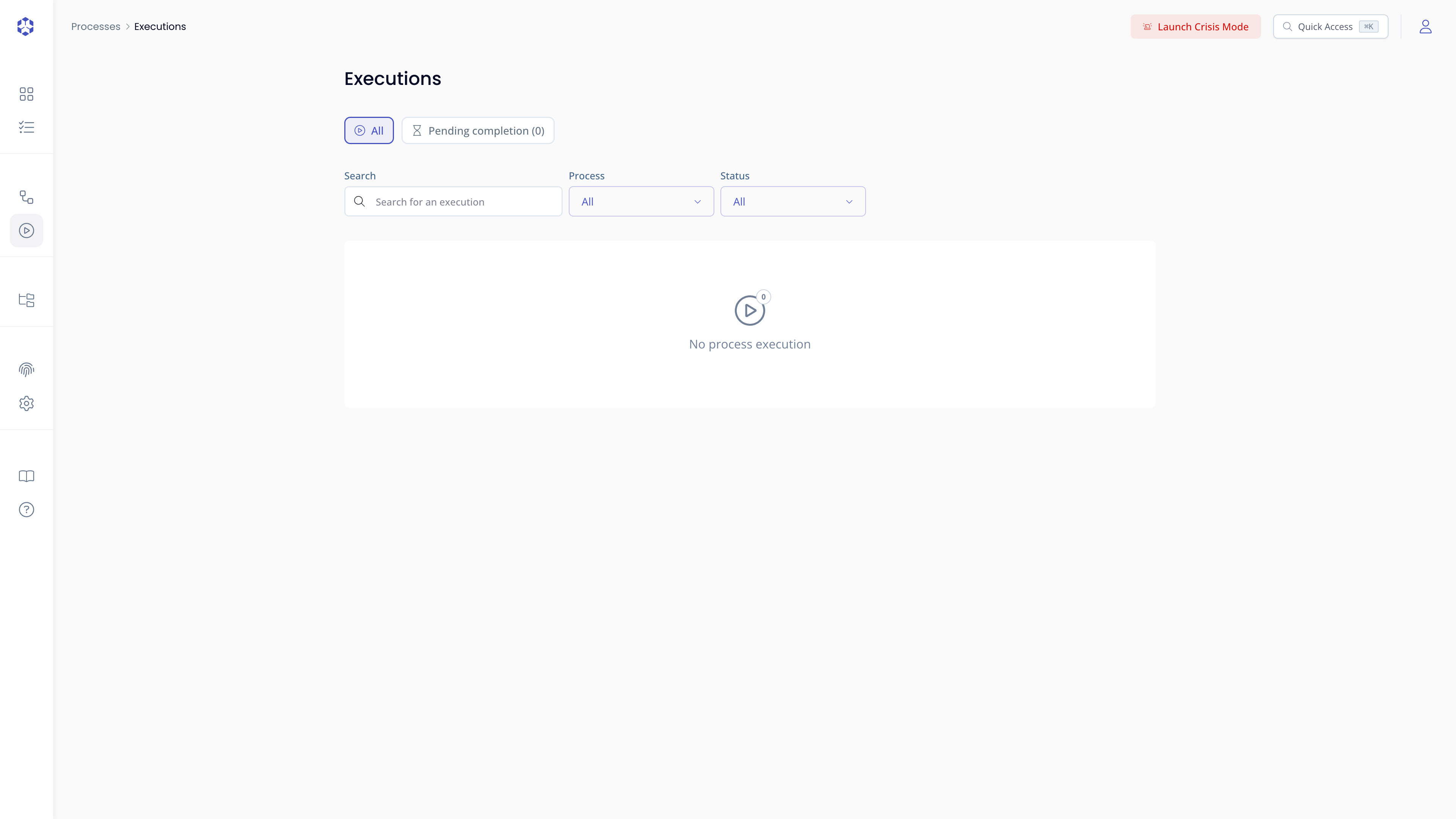
Filters
The list can be narrowed using:
- Search: type any part of an execution or process name to filter
- Process: filter to executions belonging to a specific process
- Status: filter by execution status (In progress, Completed, Failed, Cancelled, Archived)
- Created by: filter to executions started by a specific user
Opening an execution
Click any card to open the execution detail page and resume or review the execution.
Steps pending your action
You can view the steps assigned to you that are waiting for action. Any step where you are designated as Manager or Contributor (directly or through a group) and that is Ready, In progress, or Failed appears here. This view does not require any specific permission. See Step status for what each status means and how a step moves between them.
Steps are grouped by execution, with Search, Status, Role, and Category filters above the list. Click a step to open it directly in its execution. See Pending completion for the full breakdown.
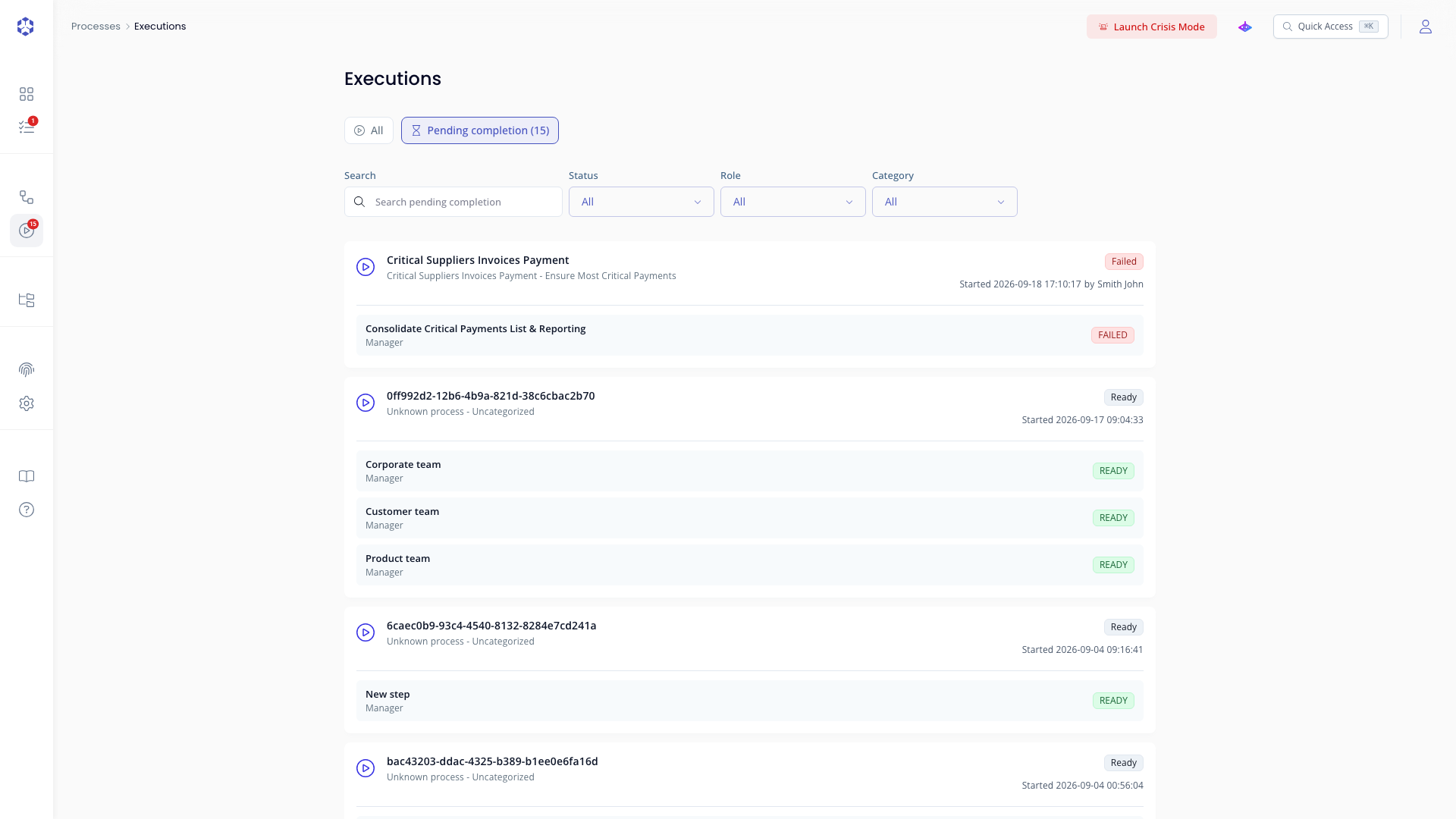 Steps pending completion, grouped by execution.