Listing processes
Viewing the process list requires ck:ListKits. Without it, a 403 Forbidden page is shown.
The New process button requires ck:CreateKit in addition; without it, the button appears as Forbidden.
Access the process list from the left menu by clicking Processes.
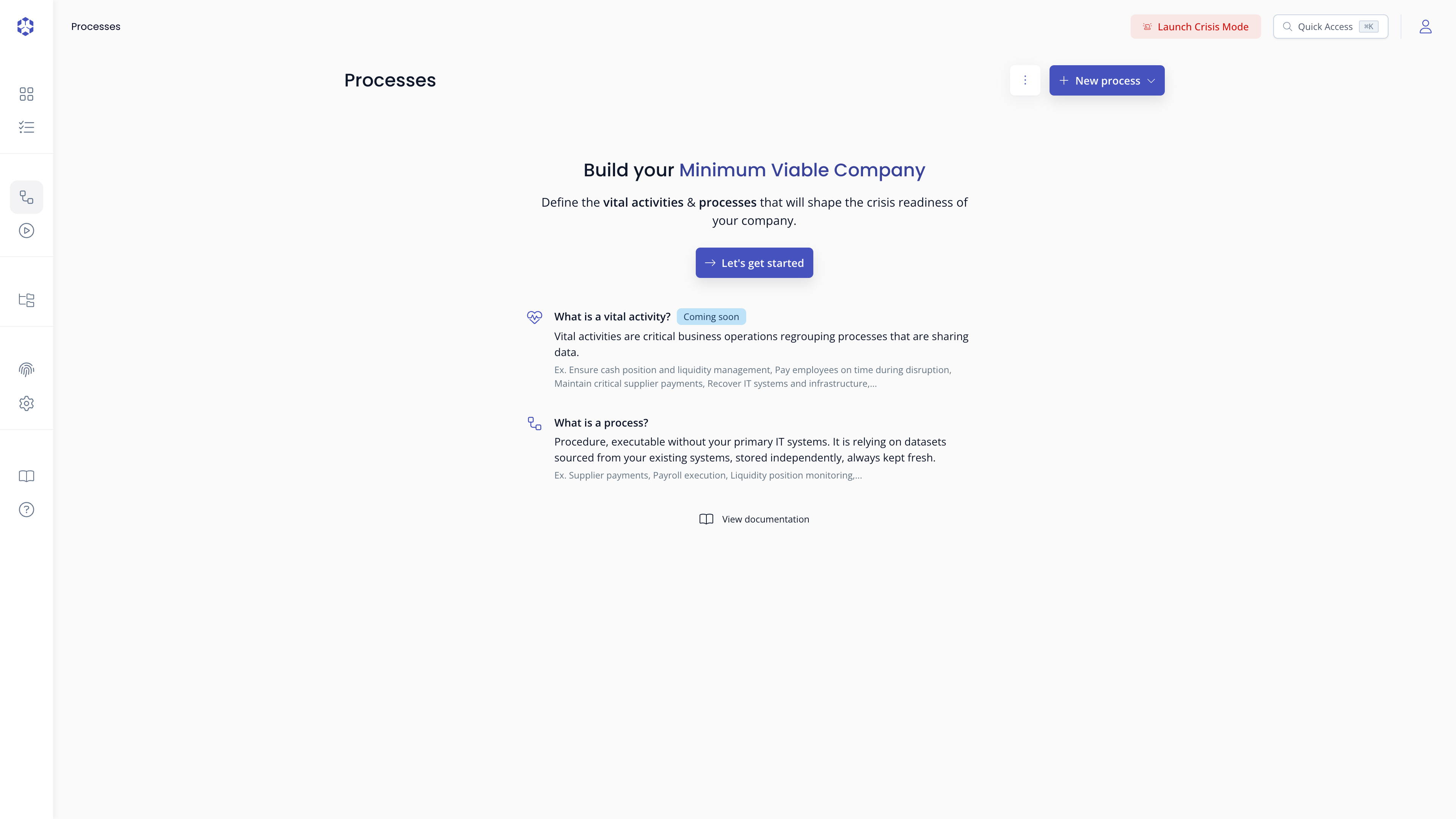
If no process or bucket exists yet in your account, this page shows a "Build your Minimum Viable Company" empty state instead, with New process and New bucket shortcuts:
Views
Each process is shown as a card with its name, status badge, latest execution summary, and a completion progress bar.
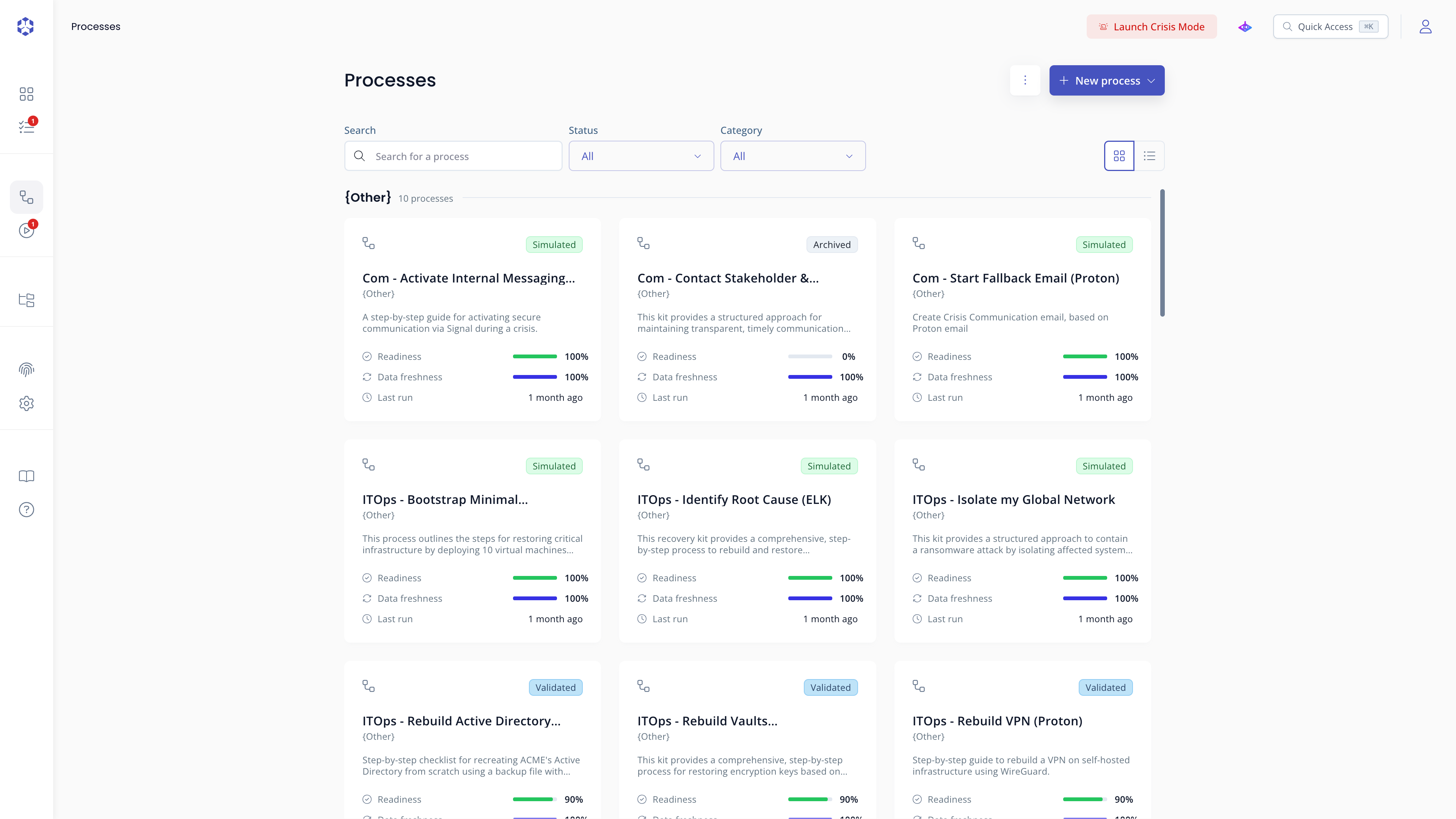 Process list, card view.
Filters
The list can be narrowed using:
- Search: type any part of a process name to filter
- Status: filter by status (
Draft,In review,Validated,SimulatedorArchived) - Category: filter by any category assigned to your processes
A banner appears when processes have unsaved local draft changes. Click Review unsaved changes to filter to those processes only.
Opening a process
Click any process card or table row to open the process detail page.
Opening a specific process requires ck:GetKit on its ARN. Without it, a lock icon is shown next to the process name in the list, and a 403 Forbidden page is shown if you try to open it.
Additional actions
From a process detail page, click the more actions button (three dots, next to Run) to access:
-
Export process: downloads a
.ziparchive of the process and its associated files. This may take a few minutes. We recommend keeping the original archive name, as it prepopulates the name and category when importing. -
Export as PDF: exports the process steps only, without formatting or code block rendering.
-
Data freshness: configure the expected refresh rate per referenced file (daily, weekly, monthly, or yearly). Files no longer referenced in the process content are removed from this list automatically.
-
Technical information: view the process ARN and generate suggested access policies.
-
Delete process: removes the process and its associated storage bucket.
🔒 Required permissionsRequires the permission
ck:DeleteKit. A confirmation prompt appears before deletion.