Creating a new process
Creating a process requires ck:ListKits and ck:CreateKit. Without ck:CreateKit, the New process button appears as Forbidden.
From the process list, click New process then Create a new process to open the creation modal.
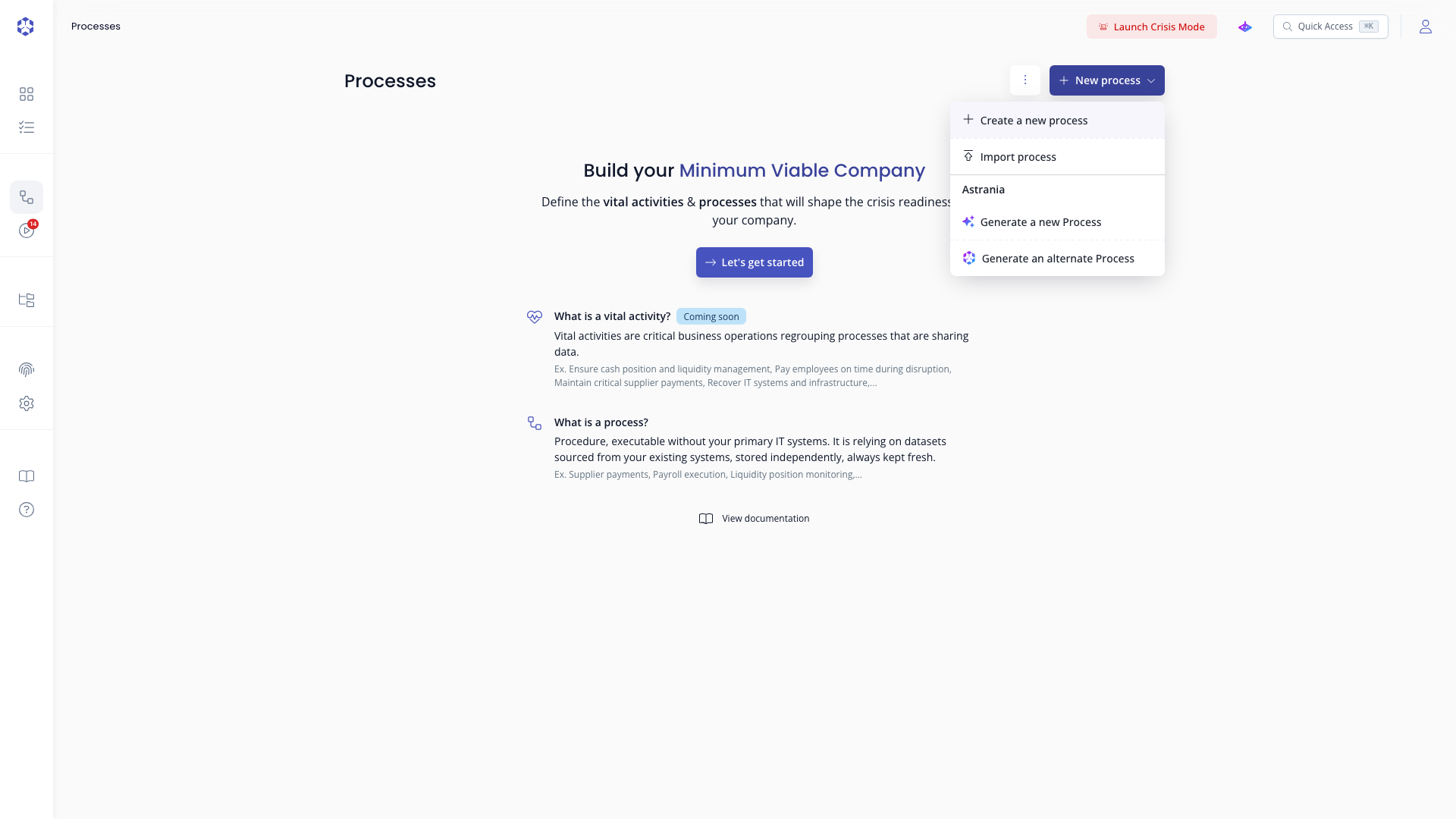
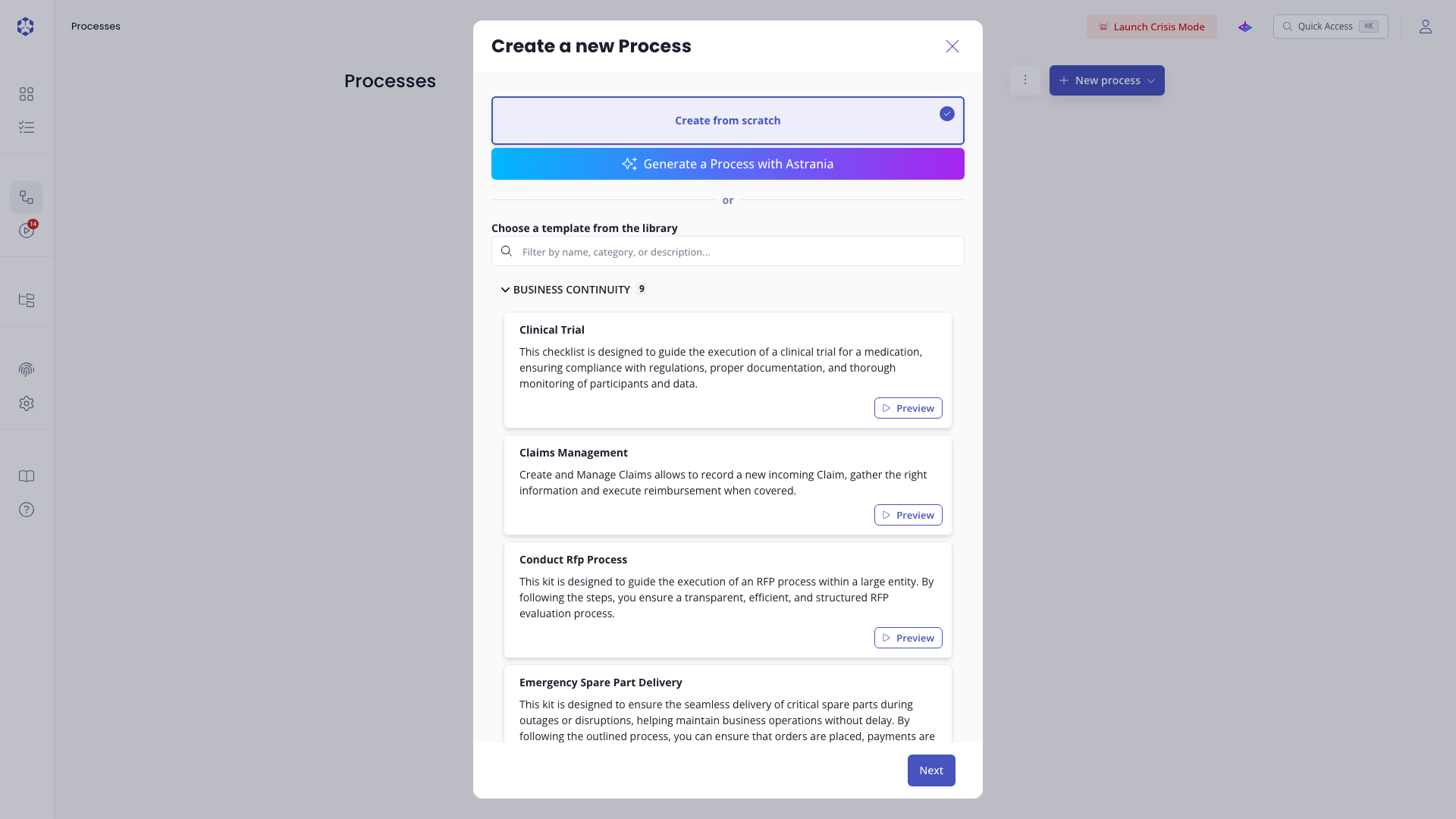
From scratch
Once the creation modal is open:
- Select Create from scratch (the default option) and click Next.
- Enter a name and choose a category for your process.
- Add an optional description and click Next.
- Once created, you are redirected to the process detail page.
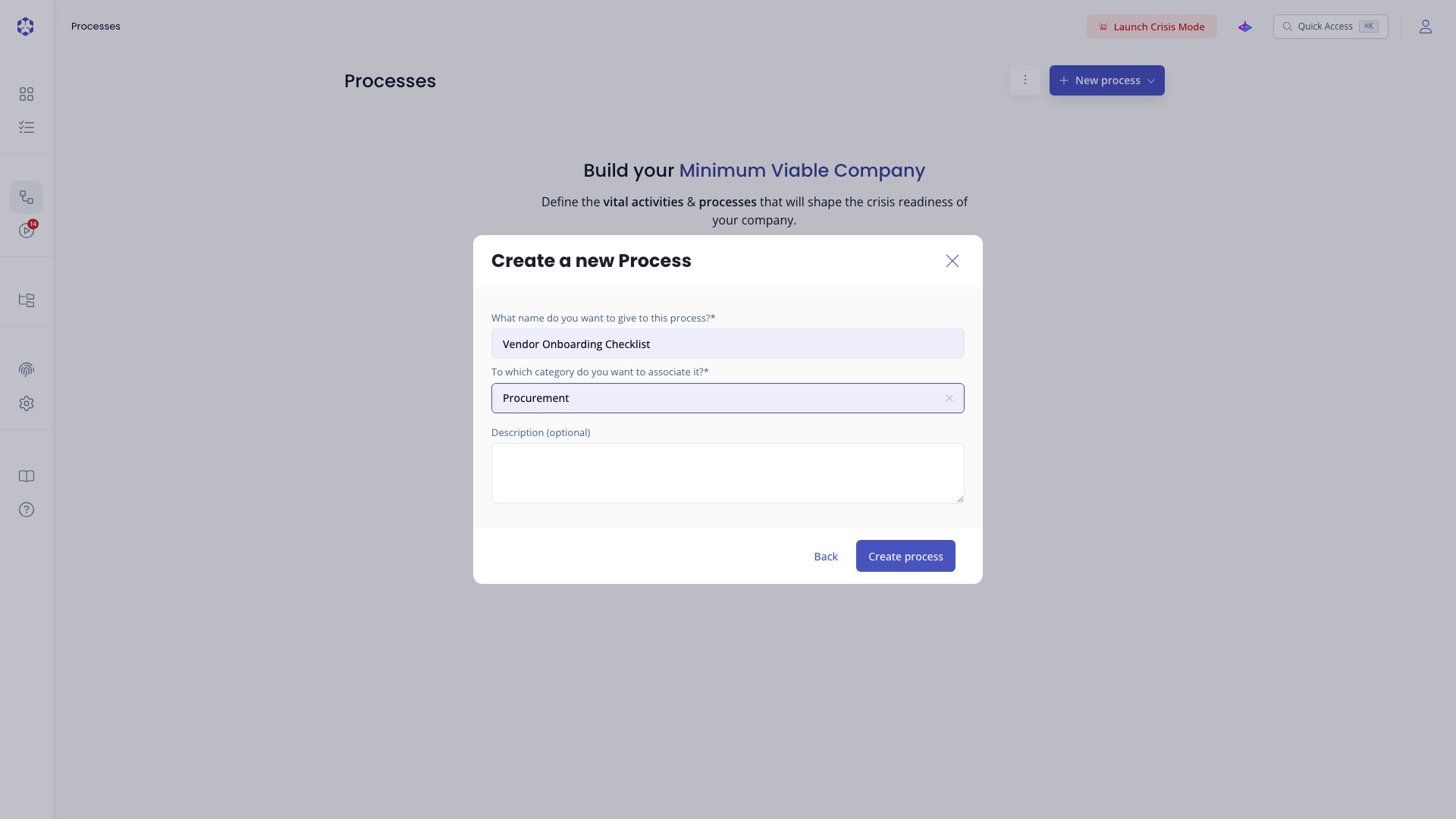 New process modal: name and category.
From a template
- In the creation modal, browse or search the template library using the filter bar.
- Click a template to preview its steps.
- Click Next, adjust the name and category as needed, then click Next again.
- Once created, you are redirected to the process detail page.
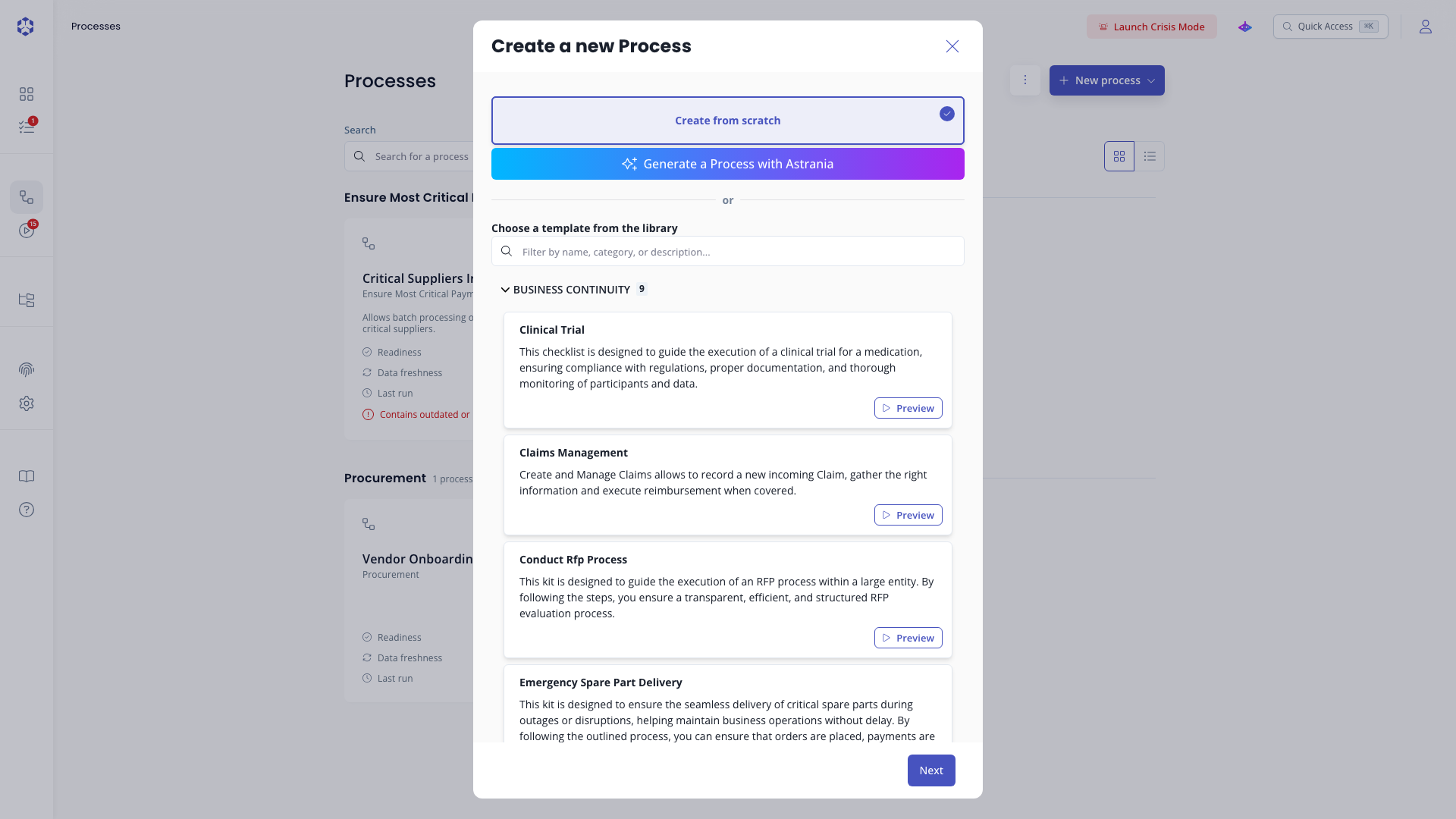 Template selection step.
 Preview a template before choosing it.
From an import
Importing uses its own modal, separate from the Create a new process modal above.
- From the process list, click New process, then select Import process.
- Drop a
.ziparchive from a previous process export into the upload area, or click Select a file. - Once the archive is read, review the process preview shown below the upload area, then click Next.
- Adjust the name and category if needed, then click Import.
- If the archive carries permissions (managers, contributors, viewers, groups), you land on a permission review step first. Each entry can be kept, remapped to a different user or group in this account, or reset. Untick Import permissions to skip all of it, in which case the process is imported without process level or step level permissions. Click Import (or Import without permissions when the checkbox is unticked) to continue.
- Once creation completes, the modal closes and you are redirected to the process detail page automatically.
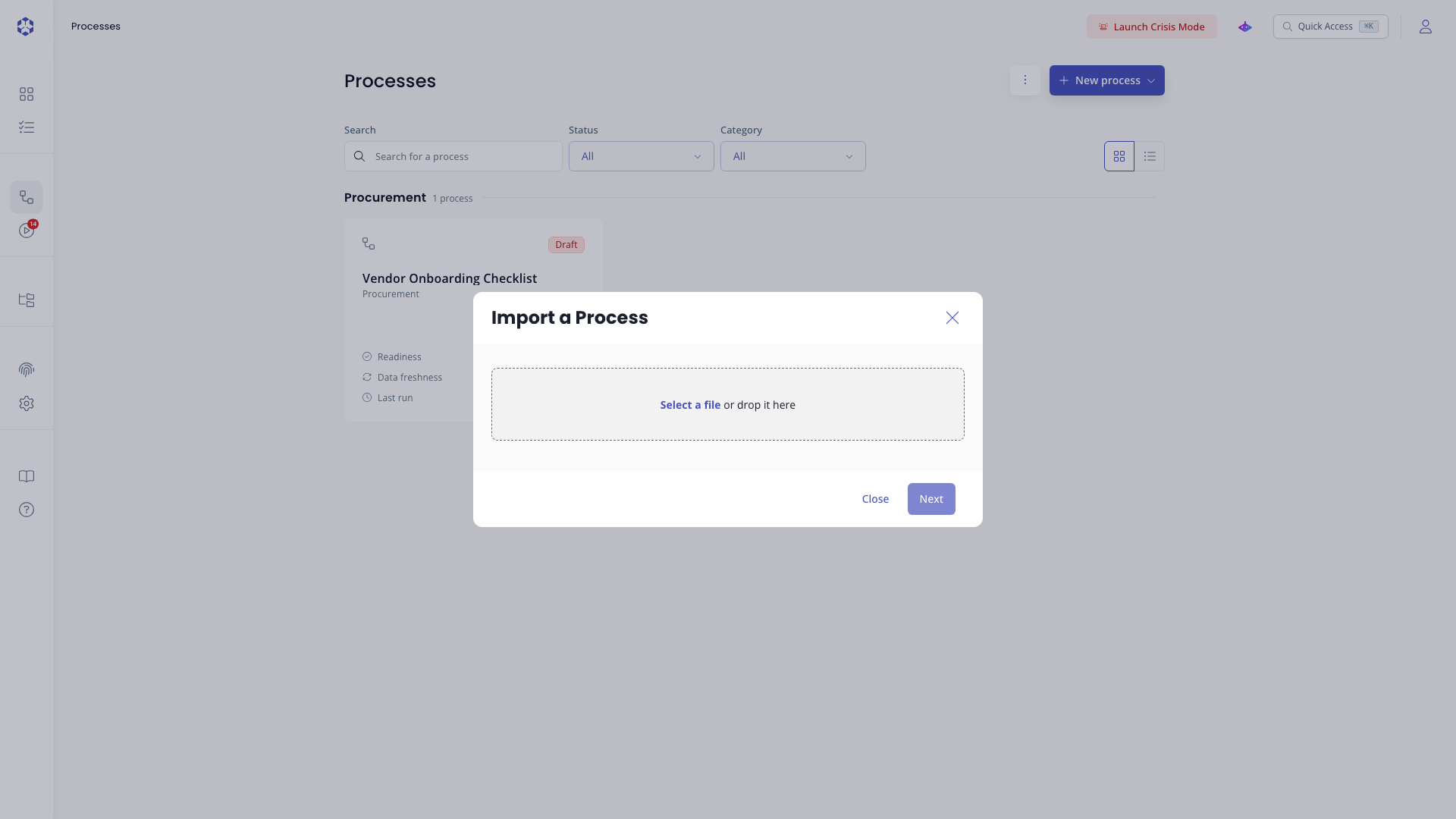 Import step: drop a
 .zip file.
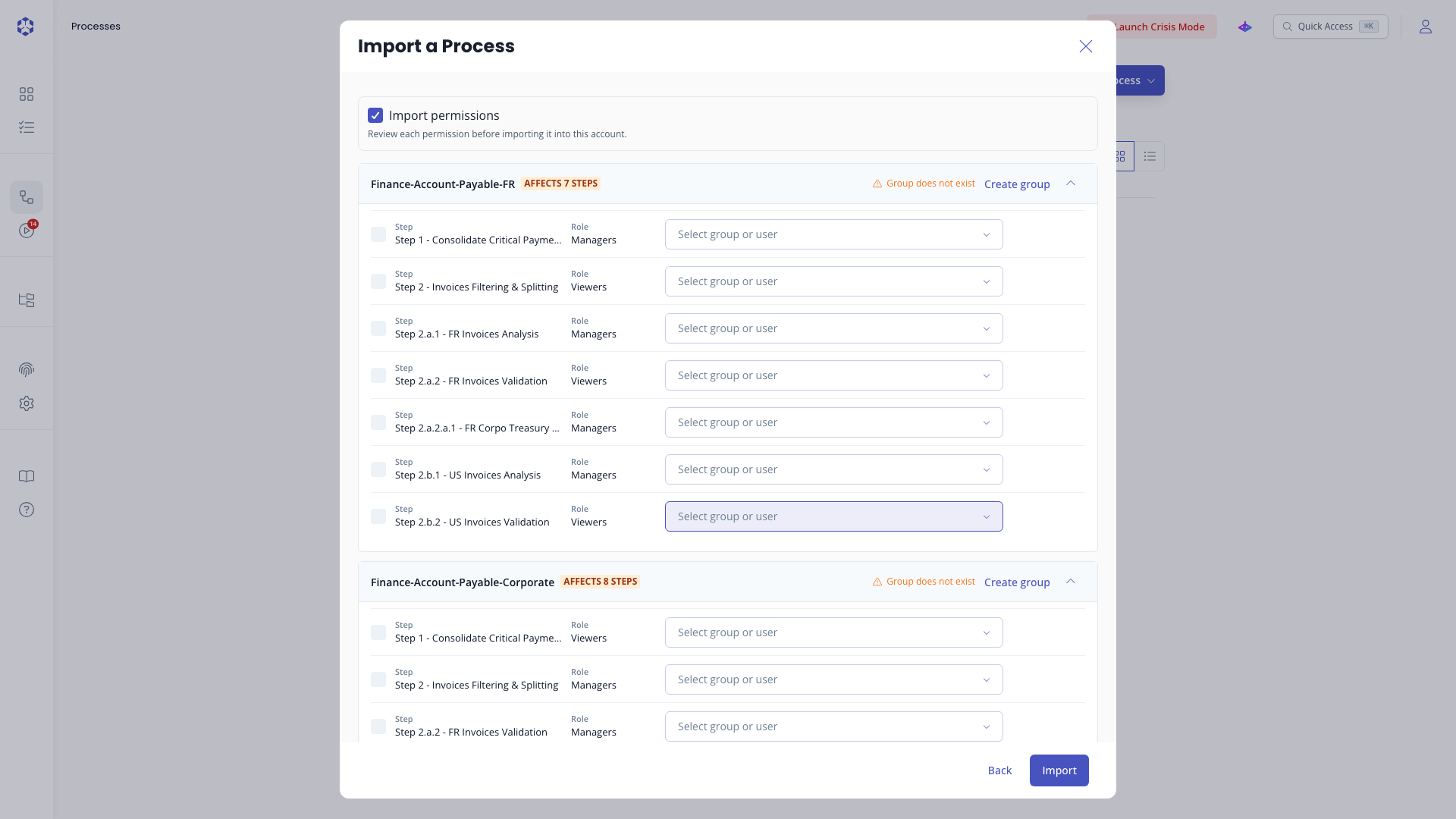 Permission review step, with remap controls.
The archive must contain an Astran process definition file at __astran__/process-definition.asck (older exports using a single .asck file at another path are also accepted). Size limits apply: 5 MB for the definition file, 256 MB for any single entry, and 1 GB for the archive's total uncompressed content. The archive is also capped at 4,096 entries.
Each process is backed by an S3-compatible bucket named kit-<UUID>. This bucket is created along with the process. Deleting a process also deletes this bucket and all its contents.